Chat Message
The Chat Message shows one message of a conversation as a bubble, with the name of the sender and the time above it. It is found in the Input - OpenBridge section of the Perspective Component Palette as Chat Message.
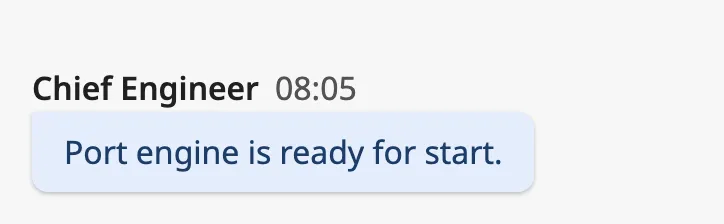
- Name of the sender. See Name and Date.
- Date — when the message was sent, formatted as you choose.
- Message — the text, in a bubble. See Message.
A Chat Message with default properties and message set to Chat Message:
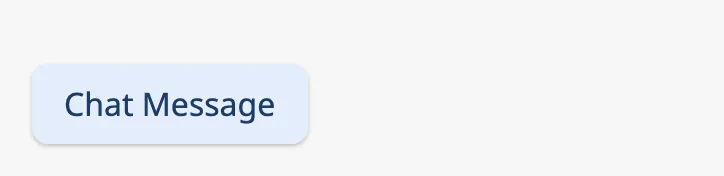
A Chat Message dropped from the palette has an empty message and is drawn as a
small empty bubble. Set message first.
The component is one message. It only displays: it has no input field and no events. To show a conversation, use one Chat Message per message, for example in a Flex Repeater (see Example 1).
Message
Section titled “Message”message is the text. A line break in the text starts a new line in the
bubble, and an empty line is kept:
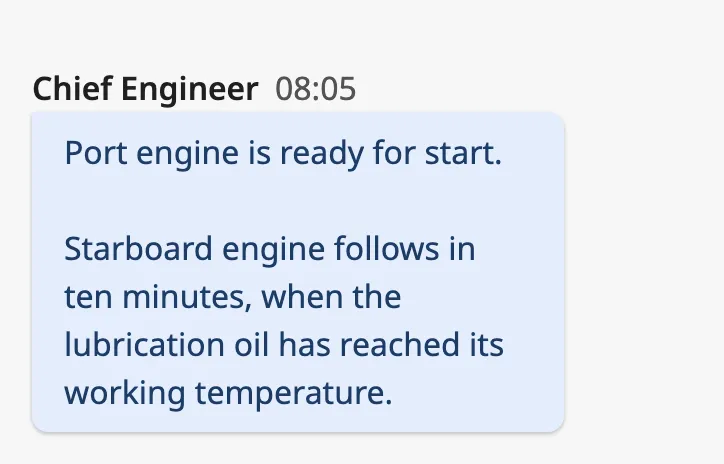
The bubble is as wide as the text needs, up to a part of the width of the component; longer text wraps. The bubble grows downwards with the text and is not limited by the height of the component, so give the component room, or let its height follow the content in a flex container.
Properties
Section titled “Properties”| Name | Description | Property Type |
|---|---|---|
| message | Text of the message. Empty by default. | value |
Sender
Section titled “Sender”self tells whether the message was written by the person looking at the
screen. The blue frame in the images is the component’s box:
| self | ||
|---|---|---|
false (default) |
A message from someone else: to the left, coloured. | 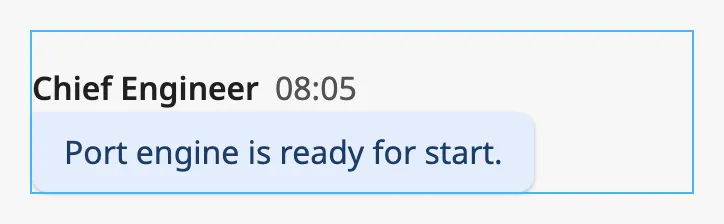 |
true |
The operator’s own message: to the right, neutral. | 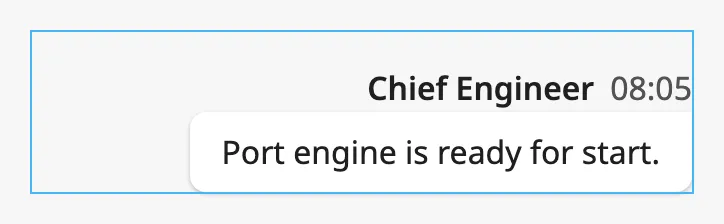 |
Properties
Section titled “Properties”| Name | Description | Property Type |
|---|---|---|
| self | The message is the operator’s own. Default false. |
value |
Name and Date
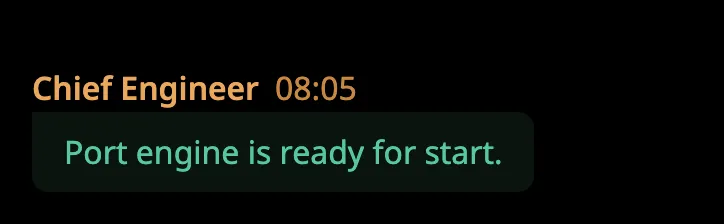
Section titled “Name and Date”The line above the bubble can show the name of the sender, the date, or both:
| showName | showDate | |
|---|---|---|
false |
false |
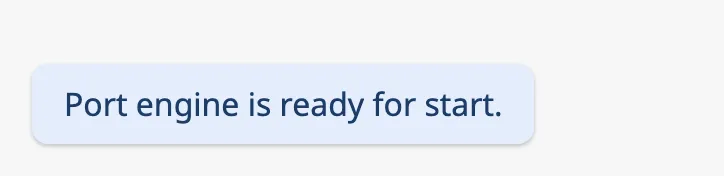 |
true |
false |
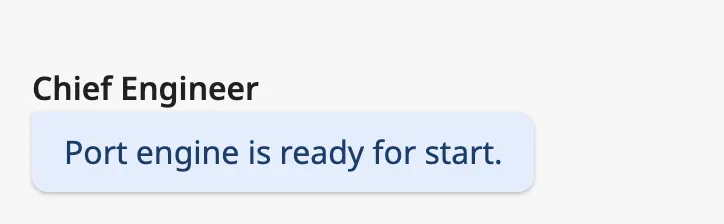 |
false |
true |
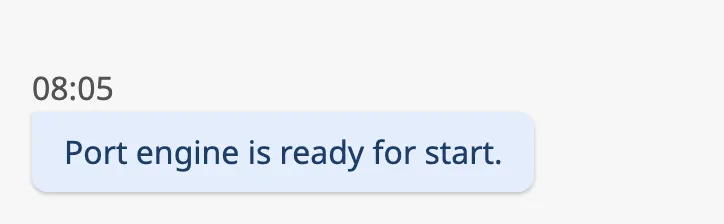 |
true |
true |
|
date is a date and time. Bind it to the timestamp of the message. While it is
empty, no date is shown.
format decides how the date is written. It is a pattern of letters, where
YYYY is the year, MM the month, DD the day, HH the hour (24 h), mm the
minute and ss the second. Note that the letters for day and year are upper
case. The images show 14 March 2026, 08:05:00 UTC:
| format | |
|---|---|
HH:mm (default) |
|
HH:mm:ss |
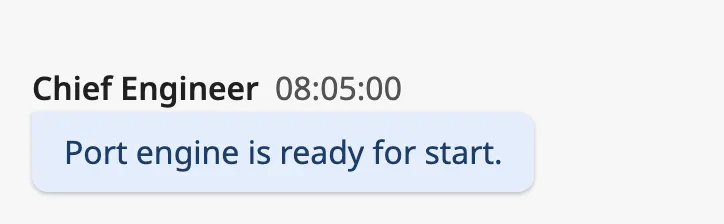 |
DD.MM.YYYY HH:mm |
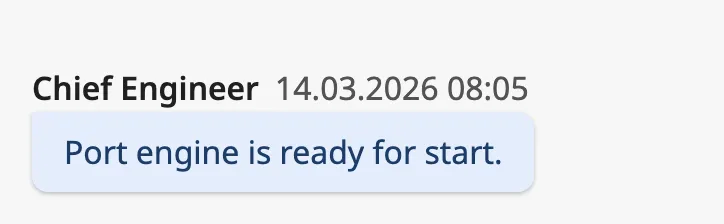 |
timezone selects the time zone the date is shown in: UTC, or local for
the time zone of the device the session runs on. With local, the example
above reads 09:05 on a device in Oslo.
Properties
Section titled “Properties”| Name | Description | Property Type |
|---|---|---|
| showName | Show the name of the sender. Default false. |
value |
| name | Name of the sender. Only shown when showName is true. |
value |
| showDate | Show the date. Default false. |
value |
| date | Date and time of the message. Empty by default. Only shown when showDate is true. |
value |
| format | Pattern the date is written with. Default HH:mm. Only shown when showDate is true. |
value |
| timezone | Time zone of the date: UTC or local. Default UTC. |
value |
Position in a Group
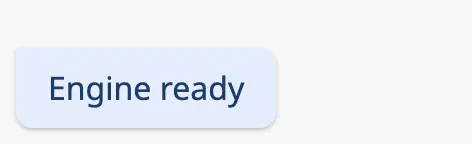
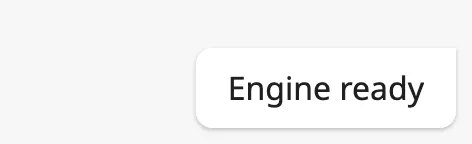
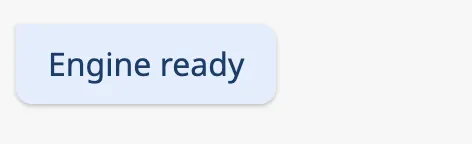
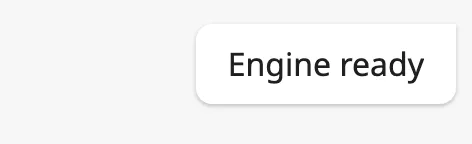
Section titled “Position in a Group”Several messages in a row from the same sender are usually drawn as one group.
position tells the Chat Message where in such a group it is, and shapes the
bubble to match: the corners towards the neighbouring messages are sharper, and
a middle or bottom message takes less room above the bubble.
single(default) — a message on its own.top— the first message of a group.middle— a message between two others.bottom— the last message of a group.
| position | self = false |
self = true |
|---|---|---|
single |
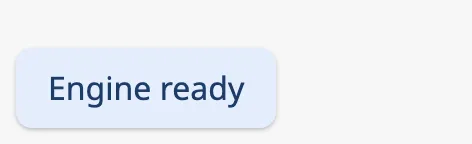 |
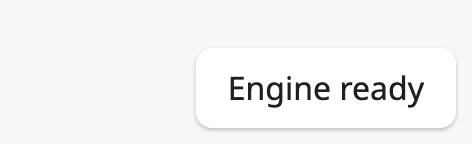 |
top |
 |
 |
middle |
 |
 |
bottom |
|
|
Show the name and date on the single and top messages only; they are drawn
on every message that has showName or showDate set.
Properties
Section titled “Properties”| Name | Description | Property Type |
|---|---|---|
| position | single, top, middle or bottom. Default single. |
value |
Common Properties
Section titled “Common Properties”Described in Input Components — Common Features:
- Appearance —
style, and the palette:
Component Events
Section titled “Component Events”The Chat Message has no component events.
Examples
Section titled “Examples”Example 1 — A Conversation
Section titled “Example 1 — A Conversation”A view custom property messages holds the conversation as a list of objects
with text, sender, time and own.
- Create a view
Chat/Messagewith the parameterstext,sender,timeandown, and add a Chat Message as its only component. - Bind the properties of the Chat Message to the parameters:
messagetoview.params.text,nametoview.params.sender,datetoview.params.timeandselftoview.params.own. - Set
showNameandshowDatetotrue, andtimezonetolocal. - In the main view, add a Flex Repeater with direction
column, set itspathtoChat/Message, and bindinstancestoview.custom.messages.
Example 2 — Date with the Day
Section titled “Example 2 — Date with the Day”To show 14.03 08:05 instead of only the time, set format to DD.MM HH:mm.
Found an error or something unclear?
Tell us what is wrong, confusing or missing on this page.
Built on the OpenBridge Design System