Rot Linear
The Rot Linear shows the rate of turn (ROT) of the vessel on a straight strip: a bar grows from zero in the middle to the rate of turn, to the right for a turn to starboard and to the left for a turn to port. It is found in the Maritime - OpenBridge section of the Perspective Component Palette as Rot Linear.
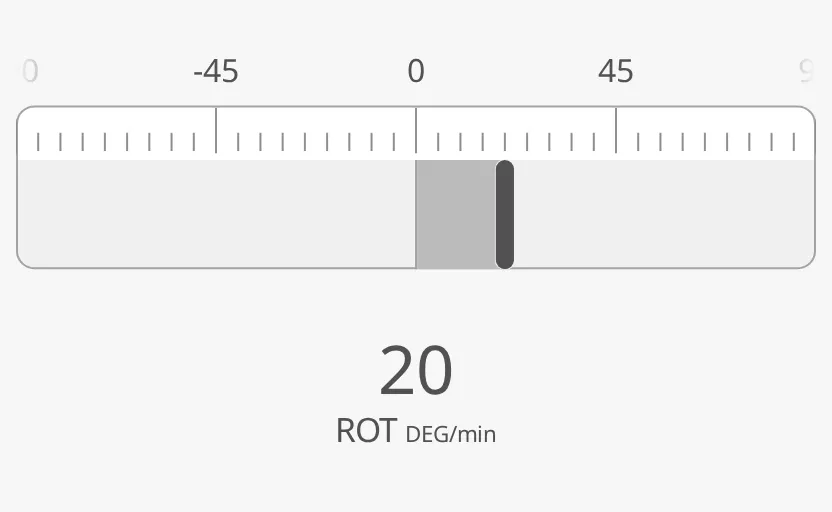
It is the rate-of-turn partner of the Compass Flat and the
straight form of the track bar of the Rate Of Turn.
It is one of the maritime instruments; see
Maritime Instruments — Common Features. It has no state,
setpoint or advice zones.
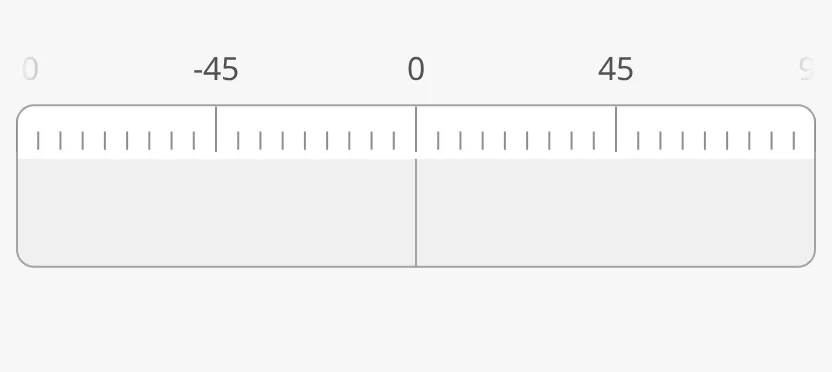
A Rot Linear dropped from the palette has no bar, because no rate of turn is set:
Rate of Turn
Section titled “Rate of Turn”Set hasRateOfTurnDegreesPerMinute to true and bind
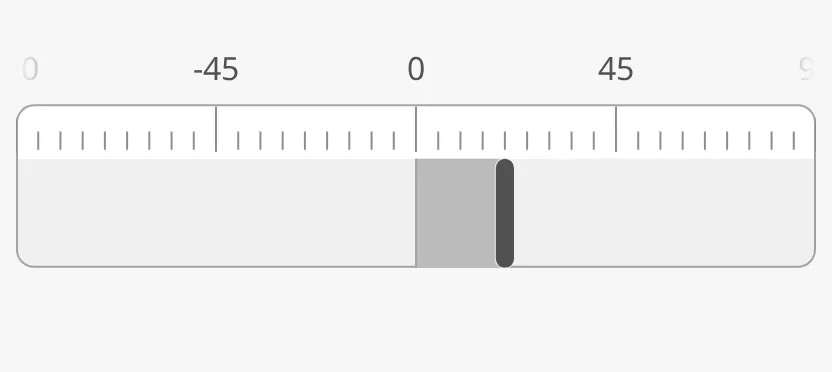
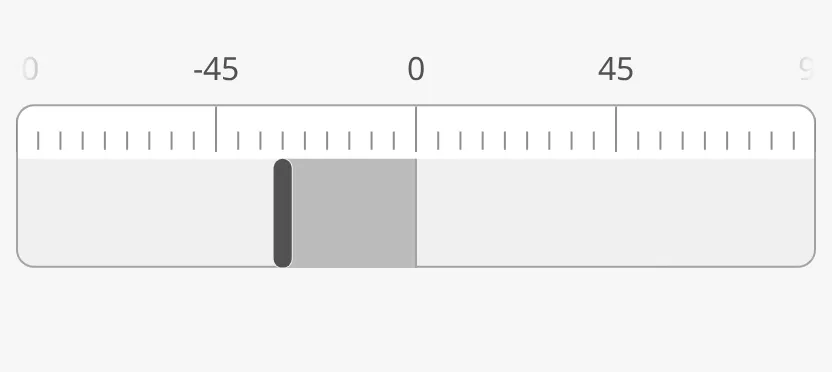
rateOfTurnDegreesPerMinute to the rate of turn in degrees per minute; positive
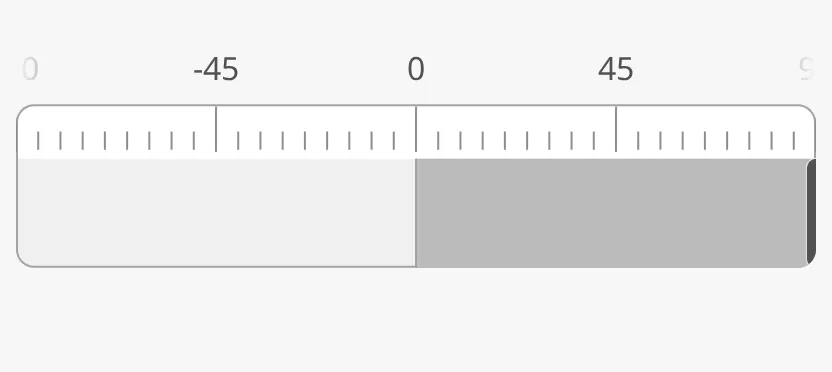
is a turn to starboard. The bar ends in a needle at the value.
| Value | |
|---|---|
20 (starboard) |
 |
-30 (port) |
 |
120 (beyond rotMaxValue) |
 |
The Rot Linear has no deprecated rotationsPerMinute: until
hasRateOfTurnDegreesPerMinute is true, no bar is drawn.
Properties
Section titled “Properties”| Name | Description | Property Type |
|---|---|---|
| hasRateOfTurnDegreesPerMinute | Use rateOfTurnDegreesPerMinute. Default false. |
value |
| rateOfTurnDegreesPerMinute | Rate of turn in degrees per minute; positive is starboard. Only shown when hasRateOfTurnDegreesPerMinute is true. |
value |
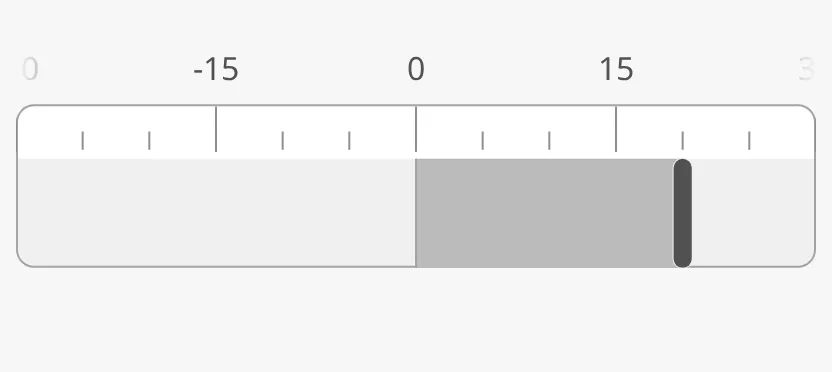
rotMaxValue is the end of the scale to each side, in degrees per minute; a
larger rate of turn stops at the end. The scale is labelled at zero, half and
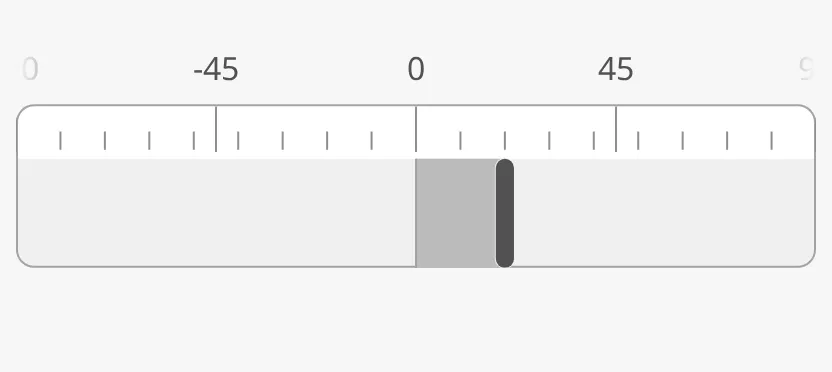
the full range. tickInterval is the distance between the small tickmarks.
| Scale | |
|---|---|
rotMaxValue = 30 |
 |
tickInterval = 10 |
 |
Note: The labels at the ends of the scale (
-90and90by default) are cut off by the edges of the strip; only a sliver of them is visible.
Properties
Section titled “Properties”| Name | Description | Property Type |
|---|---|---|
| rotMaxValue | End of the scale to each side, in degrees per minute. Default 90. |
value |
| tickInterval | Degrees per minute between the small tickmarks. Default 5. |
value |
Colour
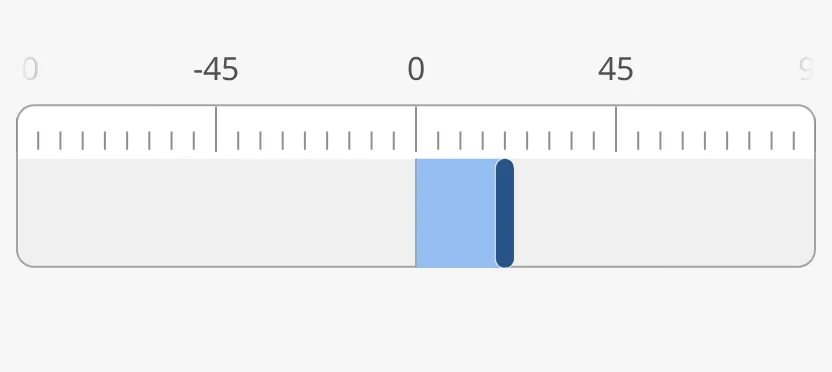
Section titled “Colour”priority works as described in Priority: with
enhanced the bar is drawn in the enhanced colour. With rotPortStarboard set
to true, the bar is green for a turn to starboard and red for a turn to port,
whatever the priority.
| Colour | |
|---|---|
priority = enhanced |
 |
rotPortStarboard, starboard |
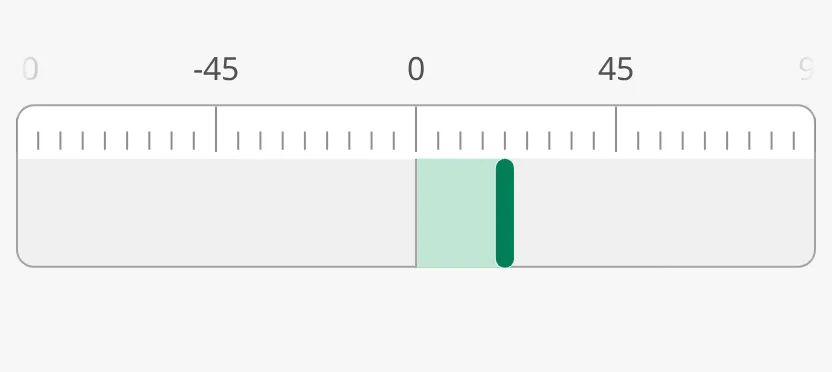 |
rotPortStarboard, port |
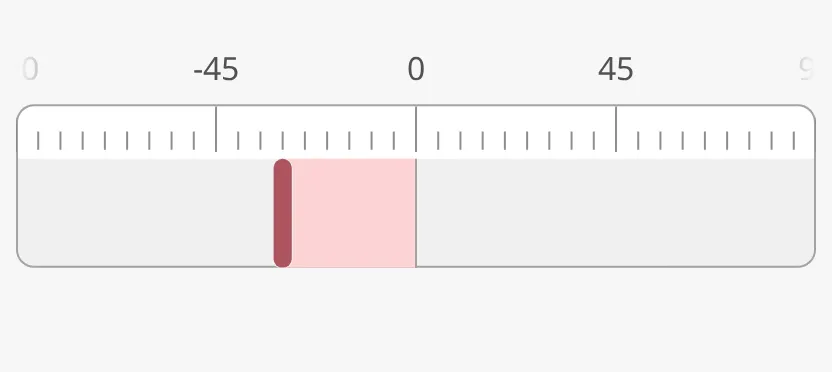 |
Properties
Section titled “Properties”| Name | Description | Property Type |
|---|---|---|
| rotPortStarboard | Colour the bar by the direction of the turn. Default false. |
value |
Readout
Section titled “Readout”Set hasReadout to true to show the rate of turn as a number under the
strip. label and unit are written under the number, and fractionDigits
sets the number of decimals. The readout shows a dash while no rate of turn is
set.
| Readout | |
|---|---|
hasReadout = true |
|
label and unit cleared |
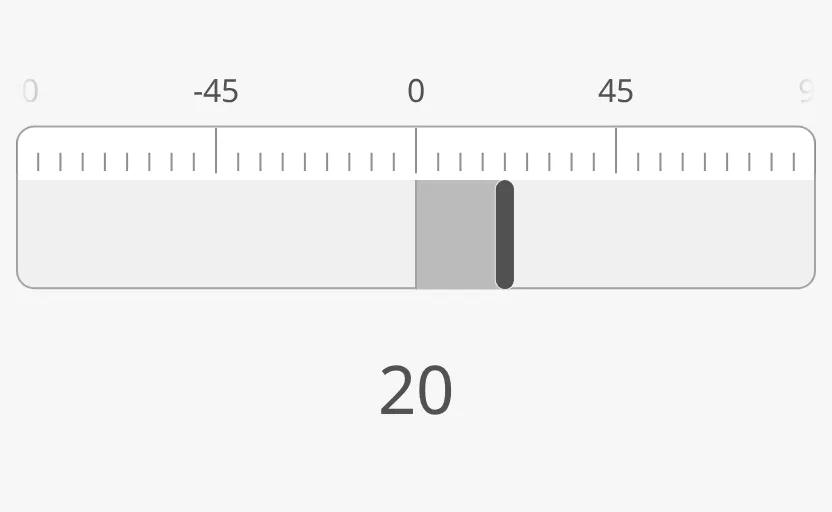 |
Note: A new Rot Linear has
labelROTandunitDEG/min; clear them to show the number only. With the readout on, the strip moves up: give the box more height (the images use 400 × 240) or the labels above the strip are cut off.
Properties
Section titled “Properties”| Name | Description | Property Type |
|---|---|---|
| hasReadout | Show the rate of turn as a number under the strip. Default false. |
value |
| label | Text under the number. Default ROT. Only shown when hasReadout is true. |
value |
| unit | Unit after the label. Default DEG/min. Only shown when hasReadout is true. |
value |
| fractionDigits | Number of decimals. Default 0. Only shown when hasReadout is true. |
value |
The strip is as wide as the component’s box, and its height follows from its width. The labels above the strip need room inside the box, or they are cut off: keep the height of the box at about a third of its width — a new component is 512 × 170. The blue frame is the component’s box:
| Box | |
|---|---|
| Too low (400 × 100) | 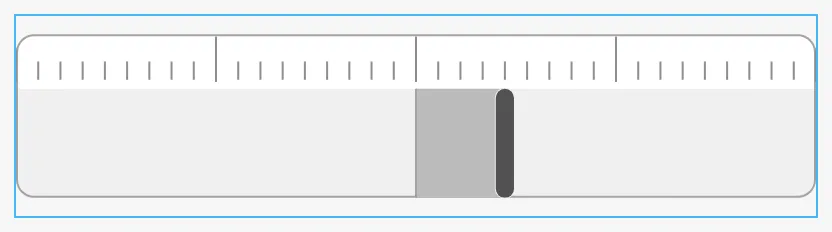 |
| Higher than needed (400 × 260) | 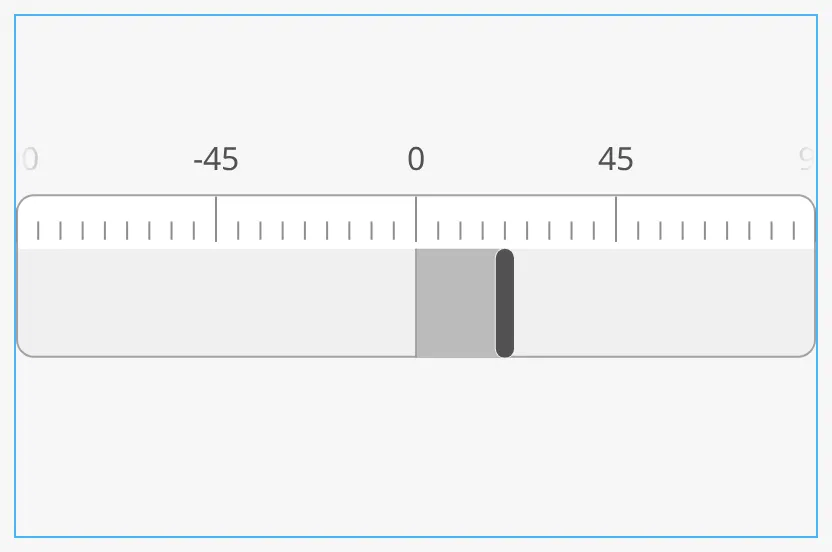 |
Common Properties
Section titled “Common Properties”These work in the same way on every maritime instrument, and are described in Maritime Instruments — Common Features:
- Priority —
priority. - Style and Events —
style.
Component Events
Section titled “Component Events”The Rot Linear has no component events of its own.
Examples
Section titled “Examples”Example 1 — Rate of Turn Under a Heading Strip
Section titled “Example 1 — Rate of Turn Under a Heading Strip”- Drop a Compass Flat and, under it, a Rot Linear, both 600 × 200.
- On the Rot Linear, set
hasRateOfTurnDegreesPerMinutetotrueand bindrateOfTurnDegreesPerMinuteto[default]Nav/ROT. - Set
rotMaxValueto60androtPortStarboardtotrue.
Found an error or something unclear?
Tell us what is wrong, confusing or missing on this page.
Built on the OpenBridge Design System