Wind Propulsion
The Wind Propulsion instrument shows a sail, rotor or kite that helps propel the vessel: the angle of the sail, the direction and strength of the force it gives, the ordered sail angle and the wind. It is found in the Maritime - OpenBridge section of the Perspective Component Palette as Wind Propulsion (Beta).
Note: This component is in beta: its properties may change in a later version.
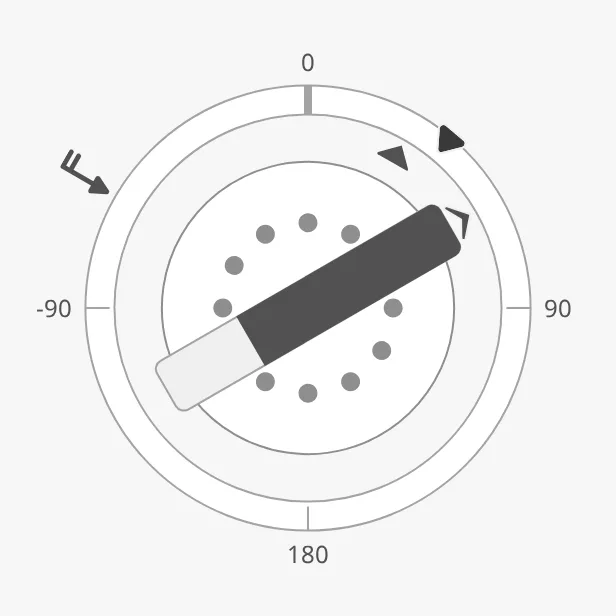
The parts of the instrument:
- Scale — the ring, with 0° (ahead) at the top.
- Sail — a symbol of the sail in the centre, with a small arrow outside the inner circle that points the way the sail is turned. See Sail.
- Force bar — the bar across the centre, pointing in the direction of the force and filled with its strength. See Force.
- Setpoint — the ordered sail angle, on the ring. See Sail Angle Setpoint.
- Wind — an arrow outside the ring. See Wind.
The Wind Propulsion is one of the maritime instruments. State, priority, how a setpoint works and advice zones are shared by all of them and are described in Maritime Instruments — Common Features. This page covers what is specific to the Wind Propulsion.
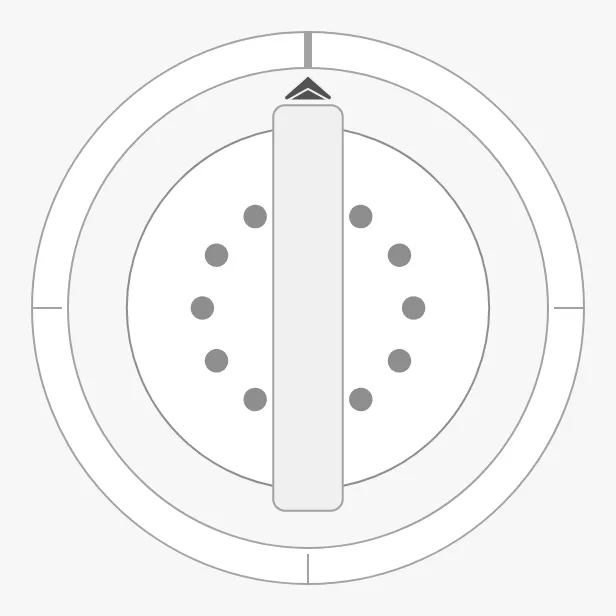
A Wind Propulsion dropped from the palette shows a rotor sail, turned ahead, with no force and no labels:
Bind sailAngle to the angle of the sail in degrees, 0 being ahead and
positive angles clockwise. The sail symbol and the small arrow turn with it.
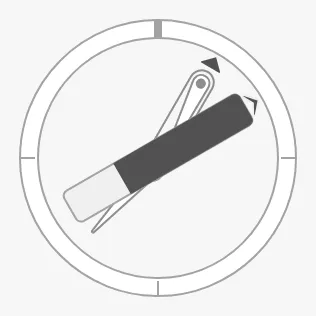
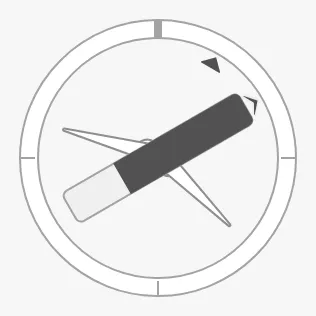
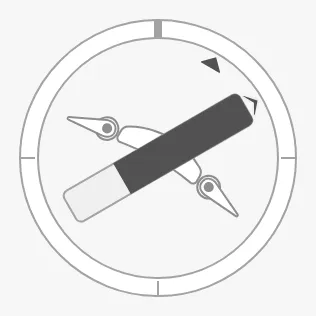
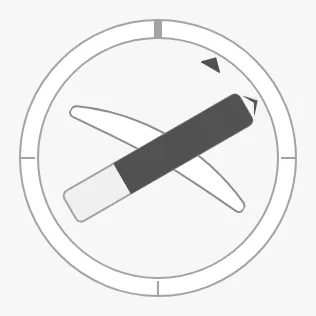
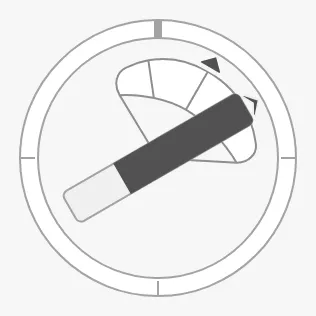
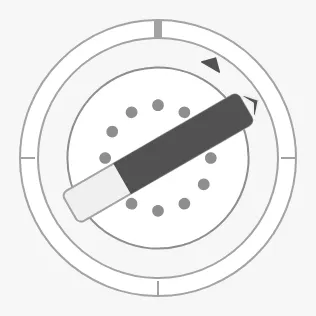
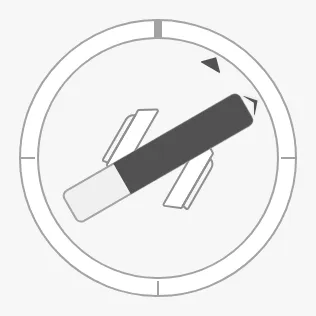
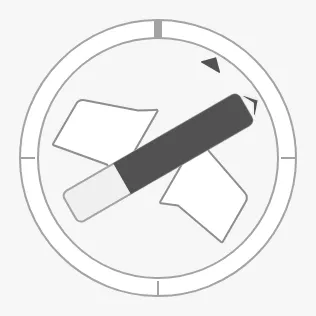
sailType selects the symbol. The images show a sail angle of 30°, with a force
at 60°:
flap-sail-along |
flap-sail |
hard-sail-flaps |
|---|---|---|
 |
 |
 |
hard-sail |
kite |
rotor-sail (default) |
|---|---|---|
 |
 |
 |
soft-sail |
solid-sail-flap |
solid-sail |
|---|---|---|
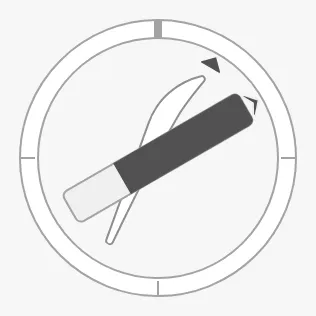 |
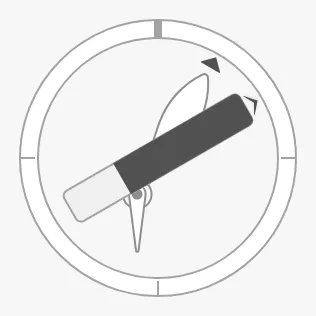 |
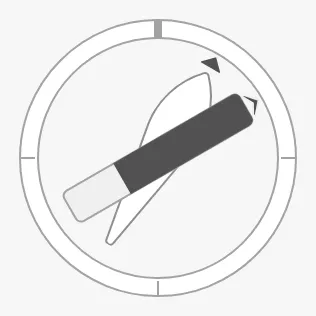 |
suction-sail |
wave-foil-retracted |
wave-foil |
|---|---|---|
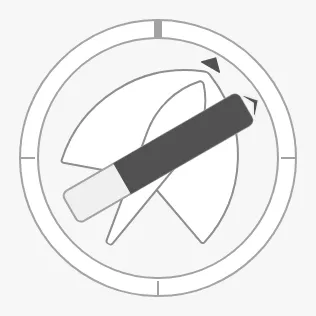 |
 |
 |
Properties
Section titled “Properties”| Name | Description | Property Type |
|---|---|---|
| sailAngle | Angle of the sail in degrees; 0 is ahead. Default 0. |
value |
| sailType | The sail symbol; one of the values above. Default rotor-sail. |
value |
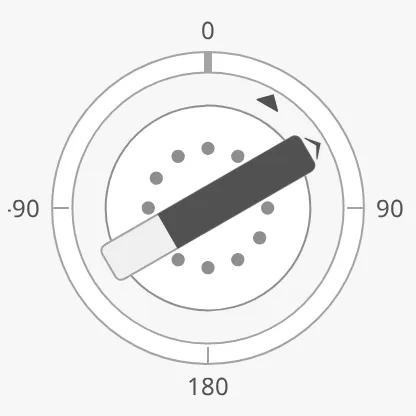
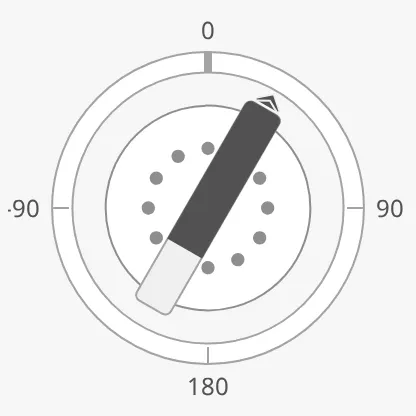
Bind forceAngle to the direction of the force the sail gives, in degrees, and
force to its strength. The force bar turns to forceAngle independently of
the sail, so the instrument shows the difference between the way the sail is
turned and the way it pulls:
| Sail at 30°, force at 60° | Sail and force both at 30° |
|---|---|
 |
 |
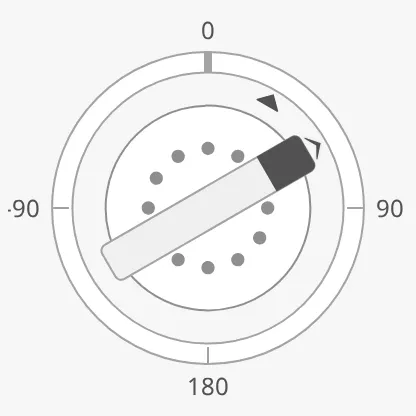
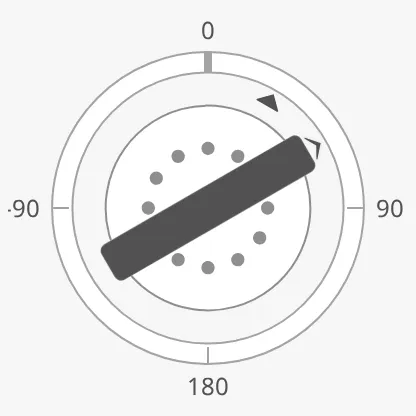
The bar is filled from its arrow end, in proportion to force divided by
maxForce. Set maxForce to the largest force of the system, in the same unit
as force:
force = 20 |
force = 70 |
force = 100 |
|---|---|---|
 |
|
 |
Properties
Section titled “Properties”| Name | Description | Property Type |
|---|---|---|
| forceAngle | Direction of the force in degrees; 0 is ahead. Default 0. |
value |
| force | Strength of the force. Default 0. |
value |
| maxForce | The force at which the bar is full. Default 100. |
value |
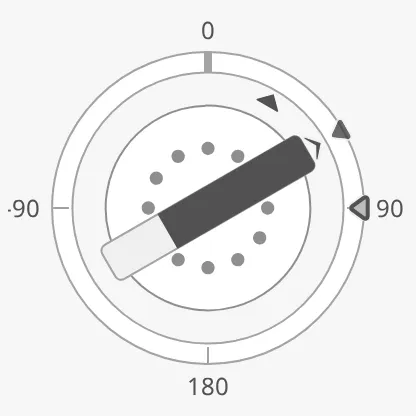
Sail Angle Setpoint
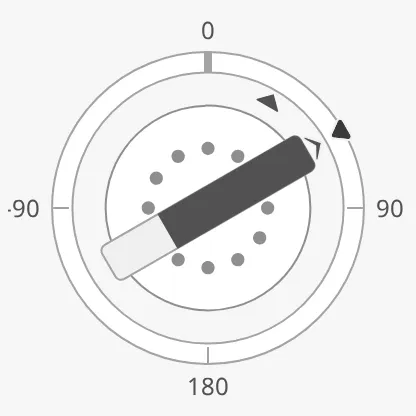
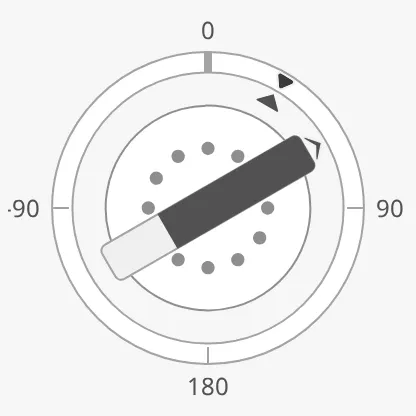
Section titled “Sail Angle Setpoint”Set hasSailAngleSetpoint to true and bind sailAngleSetpoint to the ordered
sail angle. A marker is drawn on the ring. The setpoint works as described in
Setpoint, with SailAngle in the property names.
| Setpoint at 60° | Reached | A new setpoint being chosen |
|---|---|---|
 |
 |
 |
The instrument decides by itself when the setpoint is reached:
autoAtSailAngleSetpoint is true by default, with a deadband of 2°.
advices is a list of advice zones on the ring,
with min and max as sail angles in degrees:
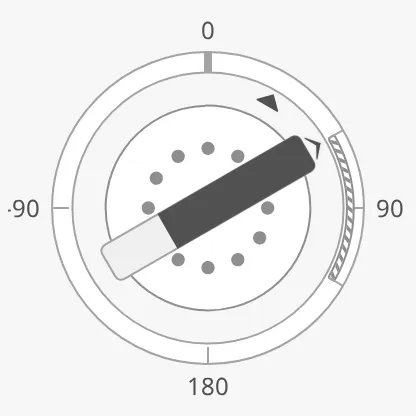
A zone is triggered when the sail angle or the sail angle setpoint is inside it;
adviceTrigger narrows that to the sail angle (value) or the setpoint alone.
sailAngleAdvices is the older name of the list. It still works, and when it is
not empty it replaces advices, but use advices.
Properties
Section titled “Properties”| Name | Description | Property Type |
|---|---|---|
| hasSailAngleSetpoint | Show the setpoint. Default false. |
value |
| sailAngleSetpoint | Ordered sail angle in degrees. Only shown when hasSailAngleSetpoint is true. |
value |
| autoAtSailAngleSetpoint | Let the instrument decide when the setpoint is reached. Default true. |
value |
| autoAtSailAngleSetpointDeadband | Degrees the sail angle may differ from the setpoint and still count as reached. Default 2. |
value |
| atSailAngleSetpoint | Whether the setpoint is reached. Used when autoAtSailAngleSetpoint is false. Default false. |
value |
| touching | The operator is operating the sail control. Default false. |
value |
| hasNewSailAngleSetpoint | Show a second marker for a setpoint that is being chosen. Default false. |
value |
| newSailAngleSetpoint | The setpoint being chosen. Only shown when hasNewSailAngleSetpoint is true. |
value |
| animateSetpoint | Animate the marker when a new setpoint is confirmed. Default false. |
value |
| sailAngleSetpointAtZeroDeadband | How close to zero the setpoint must be to be drawn in its “zero” form. Default 0.5. |
value |
| sailAngleSetpointOverride | Keep the setpoint in its normal colour in the loading and off states. Default false. |
value |
| advices | Advice zones on the ring, with min and max in degrees. Empty by default. |
array |
| adviceTrigger | Which reading triggers a zone: both, value (the sail angle) or setpoint. Default both. |
value |
| adviceEmphasis | Apply the design’s emphasis rules. Default false. |
value |
| sailAngleAdvices | Deprecated, use advices. Still works: when not empty, it replaces advices. |
array |
Set currentWindFromDirection to the direction the wind comes from, in degrees,
and currentWindSpeedKnots to its speed in knots. An arrow outside the ring
points towards the centre, with barbs for the speed. Set both.
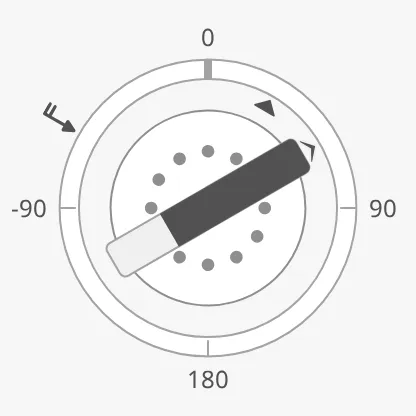
The instrument keeps room outside the ring for the wind arrow only when wind is set. Without wind the ring is larger.
Note: Without wind, the
-90label outside the ring is cut off at the left edge in the 200 × 200 px images on this page: upstream leaves too little room for it.
Properties
Section titled “Properties”| Name | Description | Property Type |
|---|---|---|
| currentWindFromDirection | Direction the wind comes from, in degrees. Empty by default. | value |
| currentWindSpeedKnots | Wind speed in knots. Empty by default. | value |
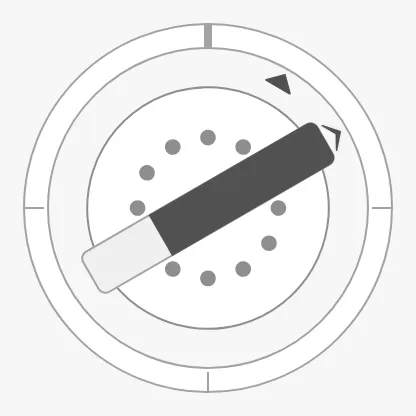
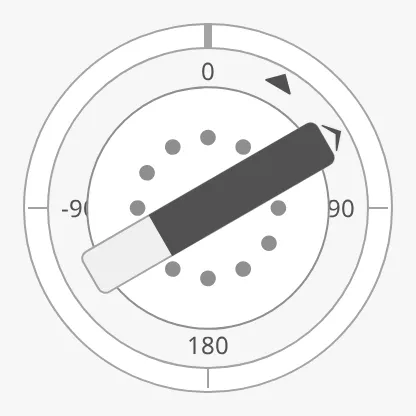
showLabels labels the ring at 0°, 90°, 180° and -90°. tickmarksInside moves
the labels inside the ring, where they are drawn on top of the ring and the
sail’s arrow:
showLabels = false |
tickmarksInside = true |
|---|---|
 |
 |
tickmarkStyle works as described in Scale.
State and Priority
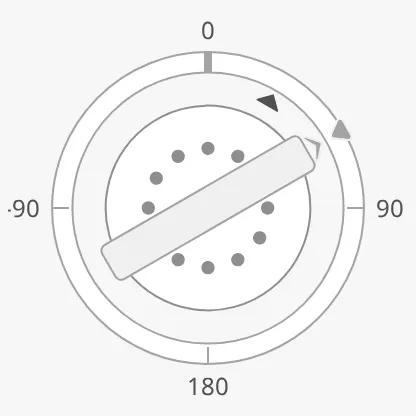
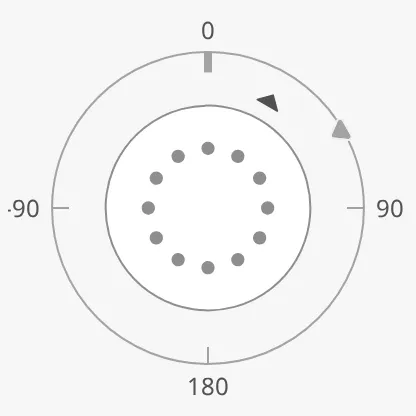
Section titled “State and Priority”state works as described in State. In the off state
the force bar is not drawn:
active |
loading |
off |
|---|---|---|
|
 |
 |
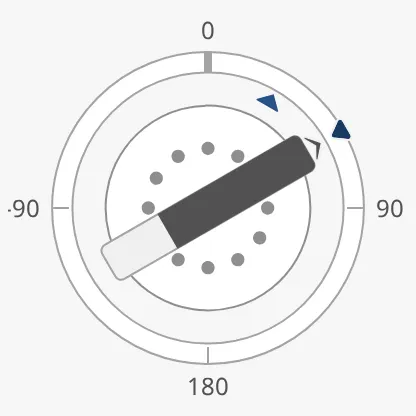
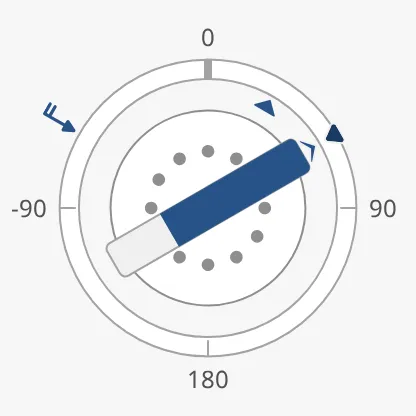
With priority enhanced, the setpoint and the parts listed in
priorityElements are drawn in the enhanced colour. The list holds sail (the
sail’s arrow), forceBar and wind. A new Wind Propulsion lists sail.
priority = enhanced |
With priorityElements = ["sail", "forceBar", "wind"] |
|---|---|
 |
 |
Properties
Section titled “Properties”| Name | Description | Property Type |
|---|---|---|
| priorityElements | Parts drawn in the enhanced colour when priority is enhanced: sail, forceBar, wind. Default ["sail"]. |
array |
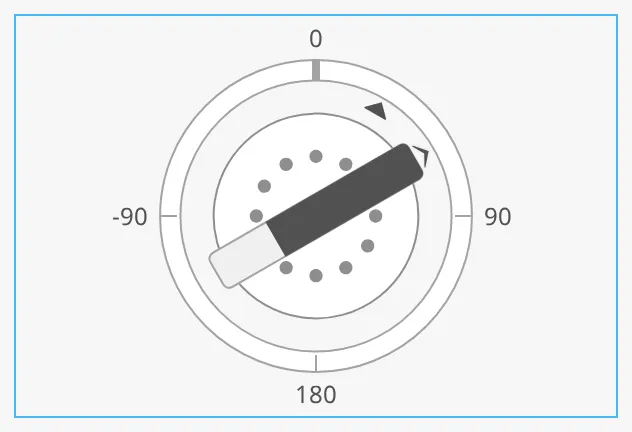
The instrument is round. It fills the height or the width of the component’s box, whichever is smaller, and is centred in it. The blue frame is the component’s box:
Common Properties
Section titled “Common Properties”These work in the same way on every maritime instrument, and are described in Maritime Instruments — Common Features:
- State —
state. - Priority —
priority. - Scale —
showLabels,tickmarksInside,tickmarkStyle. - Style and Events —
style.
Component Events
Section titled “Component Events”The Wind Propulsion has no component events of its own.
Examples
Section titled “Examples”Example 1 — Rotor Sail
Section titled “Example 1 — Rotor Sail”- Drop a Wind Propulsion into the view and make it square, about 300 px.
- Set
sailTypetorotor-sailandshowLabelstotrue. - Bind
sailAngleto[default]Sails/Rotor1/Angle,forceAngleto[default]Sails/Rotor1/ForceDirectionandforceto[default]Sails/Rotor1/Force. SetmaxForceto the rated force of the rotor, in the unit of the tag. - Bind
currentWindFromDirectionto[default]Nav/TrueWindDirectionandcurrentWindSpeedKnotsto[default]Nav/TrueWindSpeed. - Set
prioritytoenhancedandpriorityElementsto["forceBar"], so the force stands out.
Found an error or something unclear?
Tell us what is wrong, confusing or missing on this page.
Built on the OpenBridge Design System