Heave
The Heave shows the heave of the vessel — its vertical motion — on a linear scale, beside a vessel seen from the fore that rises and falls with it. It is found in the Maritime - OpenBridge section of the Perspective Component Palette as Heave.
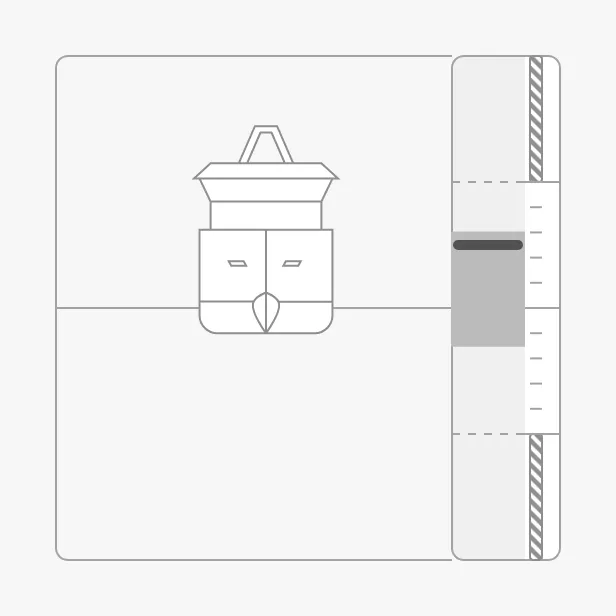
The parts of the instrument:
- Scale — from
-instrumentRangetoinstrumentRangemetres, with the value marker. See Heave. - Trend band — the range the heave has moved within lately.
- Advice zones — hatched zones on the scale. See Advice.
- Vessel — rises and falls with the heave. See Vessel.
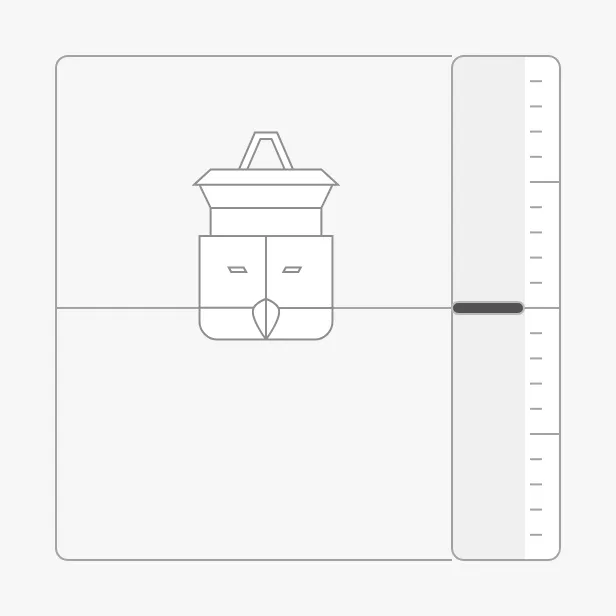
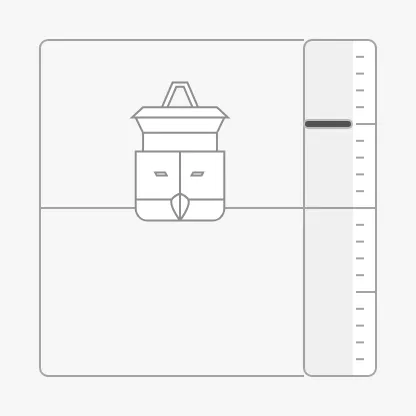
A Heave dropped from the palette shows a heave of 0 m (shown here at 300 × 300 px; a new Heave is 509 × 509 px):
Bind heave to the heave in metres; positive is up. The scale spans
-instrumentRange to instrumentRange (default ±10 m).
-5 |
0 |
5 |
|---|---|---|
 |
 |
 |
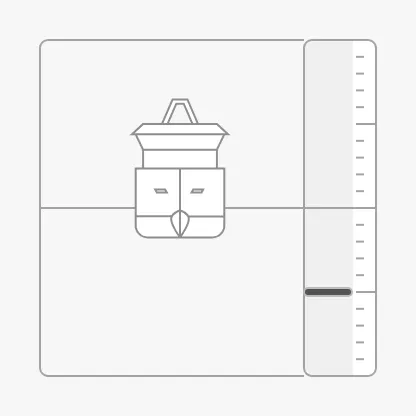
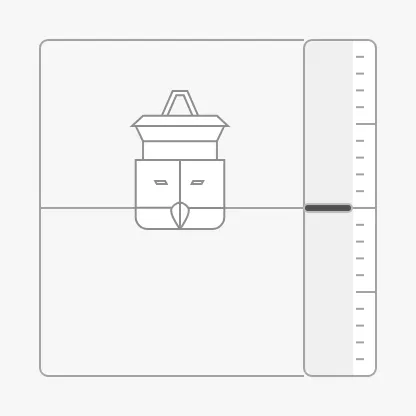
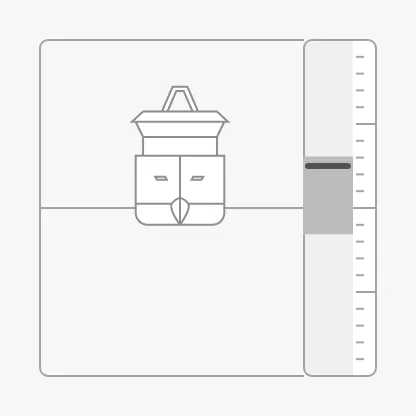
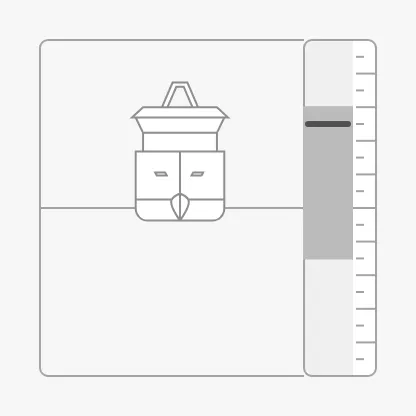
minTrendHeave and maxTrendHeave draw a darker band on the scale: the range
the heave has moved within over a recent period, like the
average band of the Pitch. The images below have a
trend band from -1.5 m to 3 m.
instrumentRange = 10 (default) |
instrumentRange = 5 |
|---|---|
 |
 |
Note: A heave beyond
instrumentRangeis not stopped at the end of the scale: its marker is drawn above or below the scale, outside the component’s box. Choose a range that covers the largest heave you expect.
Properties
Section titled “Properties”| Name | Description | Property Type |
|---|---|---|
| heave | Heave in metres; positive is up. Default 0. |
value |
| instrumentRange | Reach of the scale to each side of zero, in metres. Default 10. |
value |
| minTrendHeave | Lower end of the trend band, in metres. Default 0. |
value |
| maxTrendHeave | Upper end of the trend band, in metres. Default 0. |
value |
Variant
Section titled “Variant”type selects whether the vessel is drawn:
vessel (default) |
bar |
|---|---|
|
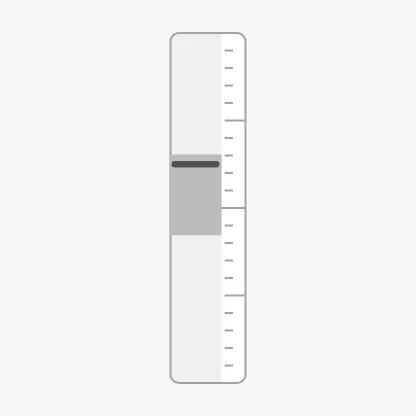 |
Use bar beside another instrument or in a narrow strip. gainScale,
draftOffset, vesselImage and vesselImageSrc are only shown with vessel.
Properties
Section titled “Properties”| Name | Description | Property Type |
|---|---|---|
| type | vessel or bar. Default vessel. |
value |
Advice
Section titled “Advice”advices is a list of zones on the scale, each an object with category (such
as optimal or caution), min and max in metres, and optionally state, as
described in Advice Zones. A zone is
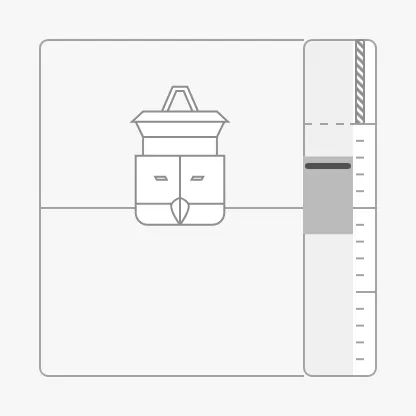
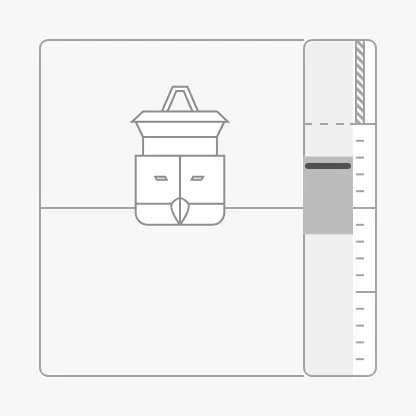
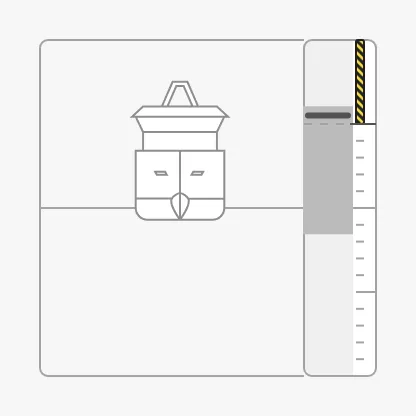
triggered, and drawn in its alert colour, when the trend band reaches into
it:
| Caution zone from 5 m | state = hinted |
Trend band up to 6 m |
|---|---|---|
 |
 |
 |
Views made with earlier versions use advice for the list, and type and
hinted in each zone. They still work, but use advices.
Properties
Section titled “Properties”| Name | Description | Property Type |
|---|---|---|
| advices | Zones on the scale, each with category, min and max (or value) and optionally state. Empty by default. |
array |
| adviceTrigger | Which reading triggers a zone: both (the default) or value for the trend band. There is no setpoint, so setpoint triggers none. |
value |
| adviceEmphasis | Apply the design’s emphasis rules; see Advice Zones. Default false. |
value |
| advice | Deprecated, use advices. Applies only when the list is not empty, and then replaces advices. |
array |
Vessel
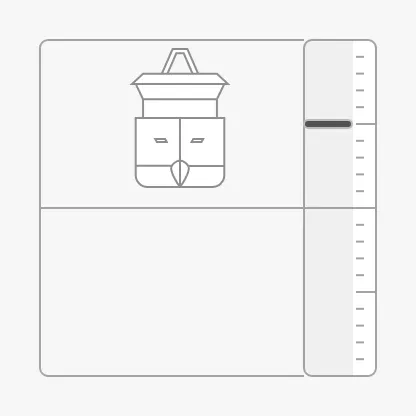
Section titled “Vessel”The vessel moves up and down with the heave, but less than the marker: it moves
by the heave divided by gainScale. With the default 10 it moves a tenth as
far; a smaller gainScale moves it further.
draftOffset lowers the vessel by that many metres (divided by gainScale
too), to show it deeper in the water.
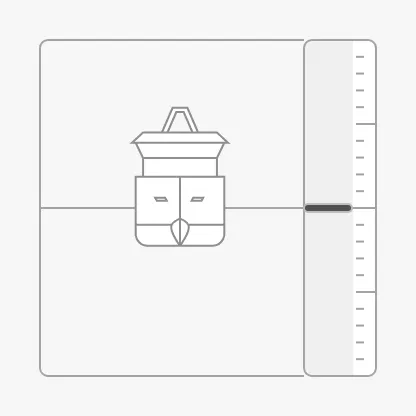
gainScale = 2, heave 5 m |
gainScale = 10 (default), heave 5 m |
draftOffset = 10, heave 0 m |
|---|---|---|
 |
|
 |
Note: Do not set
gainScaleto0: the vessel is then drawn in the wrong place.
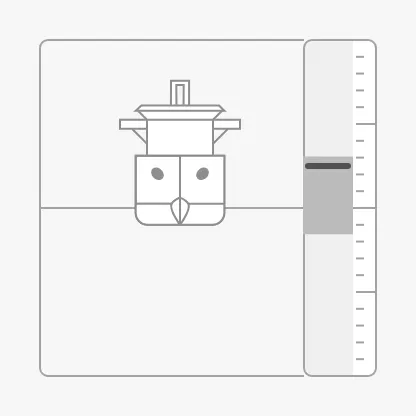
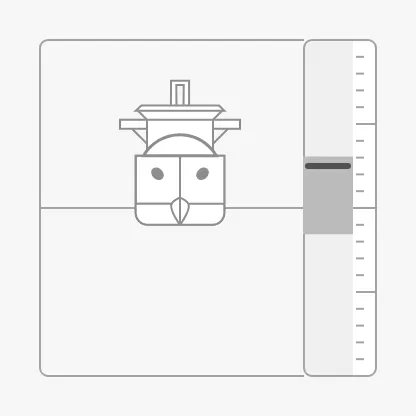
vesselImage selects the vessel, from the same list as the Pitch’s
vessel image. The Heave shows the vessel from the
fore, so use a fore view, as on the Roll:
psv-fore (default) |
cargo-fore |
tanker-fore |
|---|---|---|
|
 |
 |
Properties
Section titled “Properties”| Name | Description | Property Type |
|---|---|---|
| gainScale | Divides the movement of the vessel. Default 10. Only shown when type is vessel. |
value |
| draftOffset | Lowers the vessel, in metres. Default 0. Only shown when type is vessel. |
value |
| vesselImage | Vessel drawn beside the scale. Default psv-fore. Only shown when type is vessel. |
value |
| vesselImageSrc | Your own vessel image instead of vesselImage. See Custom Vessel Image. Only shown when type is vessel. |
object |
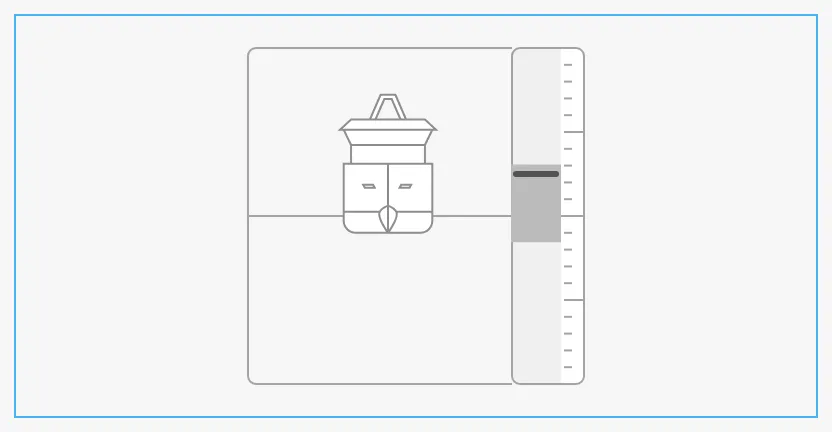
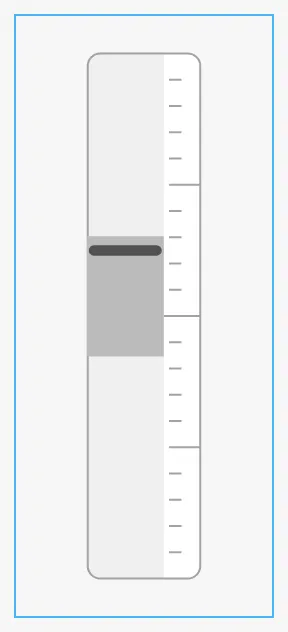
The Heave scales to fit its box and is centred in it. With vessel it is a
square of about 84 % of the smaller side of the box; with bar a column. The
blue frame is the component’s box:
vessel in a wide box |
bar in a narrow box |
|---|---|
 |
 |
Common Properties
Section titled “Common Properties”These work in the same way on every maritime instrument, and are described in Maritime Instruments — Common Features:
-
Priority —
priority;enhanceddraws the marker and the trend band in the enhanced colour: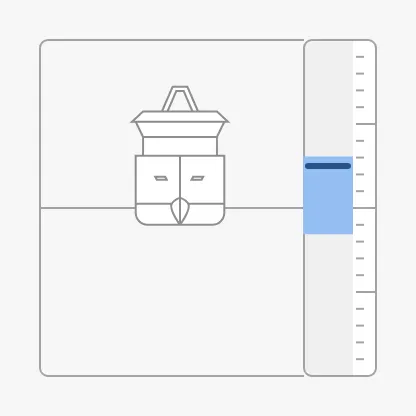
-
Style and Events —
style.
The Heave has no state property and no faceDiameter.
Component Events
Section titled “Component Events”The Heave has no component events of its own.
Examples
Section titled “Examples”Example 1 — Heave for Crane Operations
Section titled “Example 1 — Heave for Crane Operations”-
Drop a Heave into the view and make it about 300 × 300 px.
-
Bind
heaveto[default]MRU/Heaveand setinstrumentRangeto5. -
Bind
minTrendHeaveandmaxTrendHeaveto the lowest and highest heave of the last minute. -
To mark heave beyond 3 m as one to be careful with, set
advicesto:[{"category": "caution", "min": 3, "max": 5},{"category": "caution", "min": -5, "max": -3}] -
Set
vesselImagetocargo-forefor a cargo vessel such as MS Nordkapp.
Found an error or something unclear?
Tell us what is wrong, confusing or missing on this page.
Built on the OpenBridge Design System