Main Engine
The Main Engine shows the state of a main engine as two bars side by side: the engine speed on the left and the thrust on the right. Each can have a setpoint. It is found in the Maritime - OpenBridge section of the Perspective Component Palette as Main Engine.
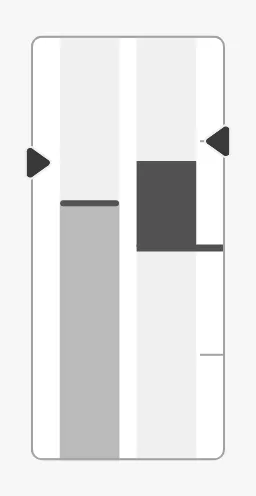
The parts of the instrument:
- Speed bar — on the left, filled from the bottom. See Speed.
- Thrust bar — on the right, filled from the zero line in the middle: upwards for ahead, downwards for astern. See Thrust.
- Setpoints — the markers on the outer edge of each bar. See Setpoints.
The Main Engine is one of the maritime instruments. State, priority, how a setpoint works and advice zones are shared by all of them and are described in Maritime Instruments — Common Features. This page covers what is specific to the Main Engine. For a small symbol of the same engine, see the Main Engine Indicator.
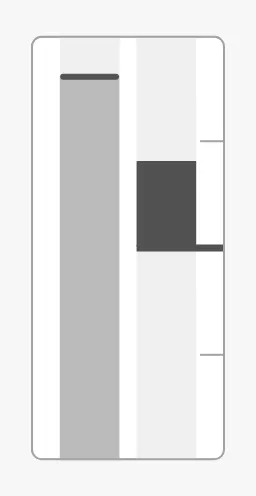
A Main Engine dropped from the palette shows zero speed and zero thrust:
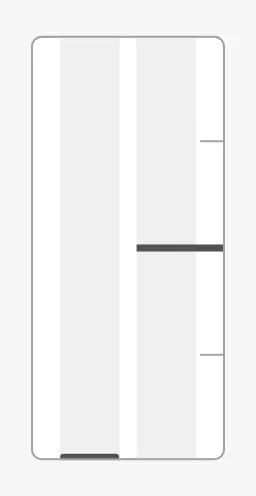
Bind speed to the engine speed in percent of its maximum, from 0 to 100.
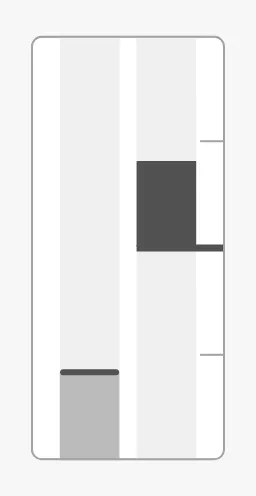
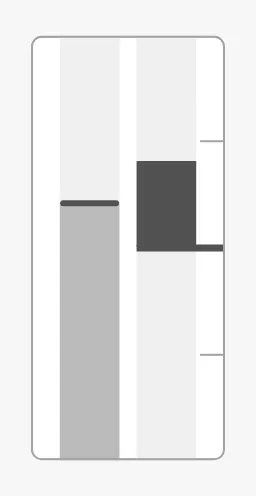
The bar on the left fills from the bottom.
speed = 20 |
speed = 60 |
speed = 90 |
|---|---|---|
 |
 |
 |
Properties
Section titled “Properties”| Name | Description | Property Type |
|---|---|---|
| speed | Engine speed in percent, 0 to 100. Default 0. |
value |
Thrust
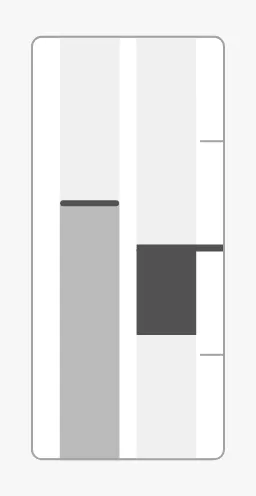
Section titled “Thrust”Bind thrust to the thrust in percent, from -100 (full astern) to 100
(full ahead). The bar on the right fills from the zero line in the middle.
Ahead (40) |
Astern (-40) |
|---|---|
|
 |
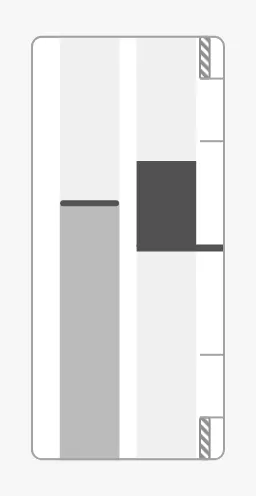
thrustAdvices is a list of advice zones on the
thrust bar, with min and max in percent of thrust. A zone that crosses zero
is split at the zero line. Here, caution zones above 80 % ahead and astern:
speedAdvices does the same for the speed bar, with min and max in percent
of speed. Its zones are drawn on the left edge of the speed bar, where the speed
setpoint is.
A zone is triggered when the bar’s value or its setpoint is inside it.
adviceTrigger narrows that to the value or the setpoint alone, and
adviceEmphasis applies the design’s emphasis rules; both apply to the two
bars.
Properties
Section titled “Properties”| Name | Description | Property Type |
|---|---|---|
| thrust | Thrust in percent, -100 to 100; positive is ahead. Default 0. |
value |
| thrustAdvices | Advice zones on the thrust bar, with min and max in percent. Empty by default. |
array |
| speedAdvices | Advice zones on the speed bar, with min and max in percent. Empty by default. |
array |
| adviceTrigger | Which reading triggers a zone, on both bars: both (the value or the setpoint), value or setpoint. Default both. |
value |
| adviceEmphasis | Apply the design’s emphasis rules between go-to and no-go zones. Default false. |
value |
Setpoints
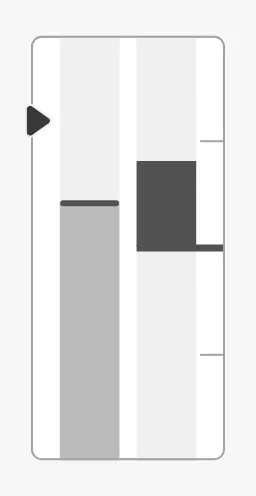
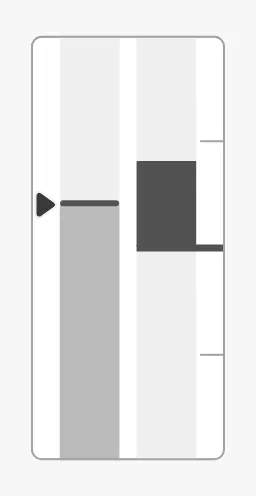
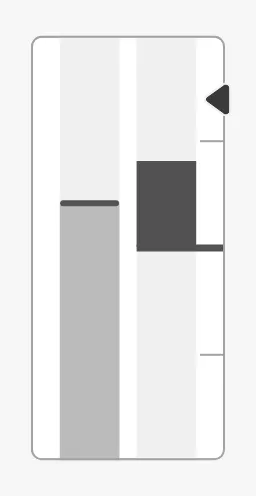
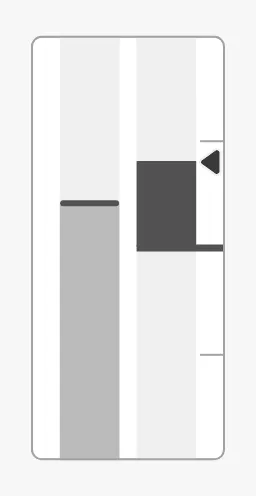
Section titled “Setpoints”Speed and thrust each have their own setpoint. They work as described in
Setpoint, with Speed or Thrust in the property
names. Set hasSpeedSetpoint or hasThrustSetpoint to true and bind the
setpoint. The speed marker is on the left edge, the thrust marker on the right
edge.
| Speed setpoint at 80 % | Reached | Thrust setpoint at 70 % | Reached |
|---|---|---|---|
 |
 |
 |
 |
Both setpoints decide by themselves when they are reached: autoAtSpeedSetpoint
and autoAtThrustSetpoint are true by default, with a deadband of 1 %.
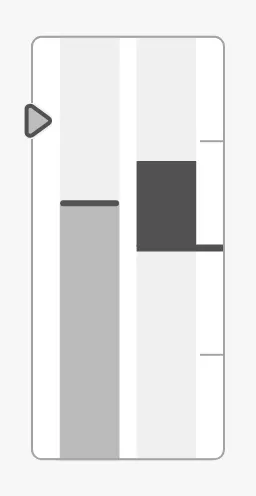
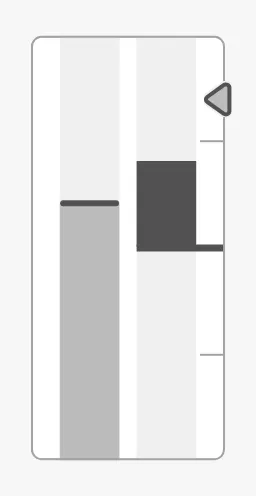
Each setpoint has its own “touching” property, speedTouching and
thrustTouching: set it to true while the operator has a hand on that lever.
speedTouching = true |
thrustTouching = true |
|---|---|
 |
 |
The Main Engine has no new-setpoint, override or animation properties.
Properties
Section titled “Properties”| Name | Description | Property Type |
|---|---|---|
| hasSpeedSetpoint | Show the speed setpoint. Default false. |
value |
| speedSetpoint | Ordered speed in percent. Only shown when hasSpeedSetpoint is true. |
value |
| autoAtSpeedSetpoint | Let the instrument decide when the speed setpoint is reached. Default true. |
value |
| autoAtSpeedSetpointDeadband | Percent the speed may differ from the setpoint and still count as reached. Default 1. |
value |
| atSpeedSetpoint | Whether the speed setpoint is reached. Used when autoAtSpeedSetpoint is false. Default false. |
value |
| speedSetpointAtZeroDeadband | How close to zero the speed setpoint must be to be drawn in its “zero” form. Default 0.5. |
value |
| speedTouching | The operator is operating the speed lever. Default false. |
value |
| hasThrustSetpoint | Show the thrust setpoint. Default false. |
value |
| thrustSetpoint | Ordered thrust in percent. Only shown when hasThrustSetpoint is true. |
value |
| autoAtThrustSetpoint | Let the instrument decide when the thrust setpoint is reached. Default true. |
value |
| autoAtThrustSetpointDeadband | Percent the thrust may differ from the setpoint and still count as reached. Default 1. |
value |
| atThrustSetpoint | Whether the thrust setpoint is reached. Used when autoAtThrustSetpoint is false. Default false. |
value |
| thrustSetpointAtZeroDeadband | How close to zero the thrust setpoint must be to be drawn in its “zero” form. Default 0.5. |
value |
| thrustTouching | The operator is operating the thrust lever. Default false. |
value |
State and Priority
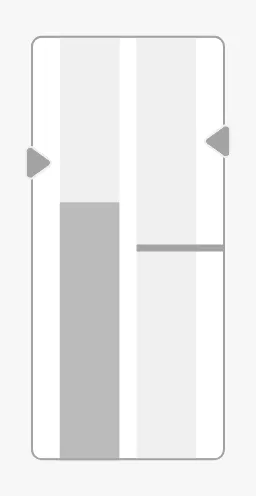
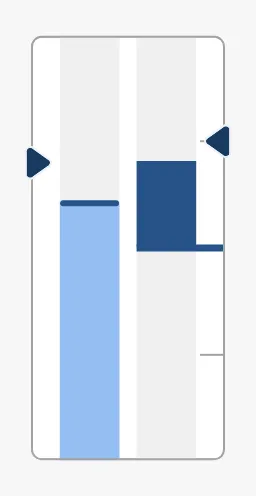
Section titled “State and Priority”state and priority work as described in State and
Priority. With priority enhanced, both bars and
both setpoints are drawn in the enhanced colours.
active |
loading |
off |
enhanced |
|---|---|---|---|
|
 |
|
 |
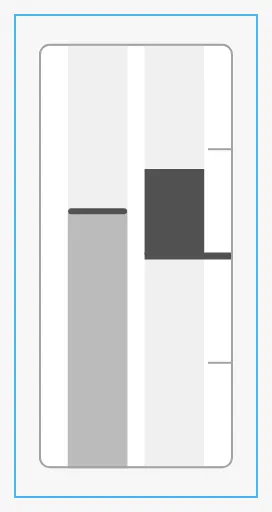
The Main Engine is twice as tall as it is wide. It fills the height or the width of the component’s box, whichever is reached first, and is centred in it. The blue frame is the component’s box:
| A box of the same proportions | A wide box |
|---|---|
 |
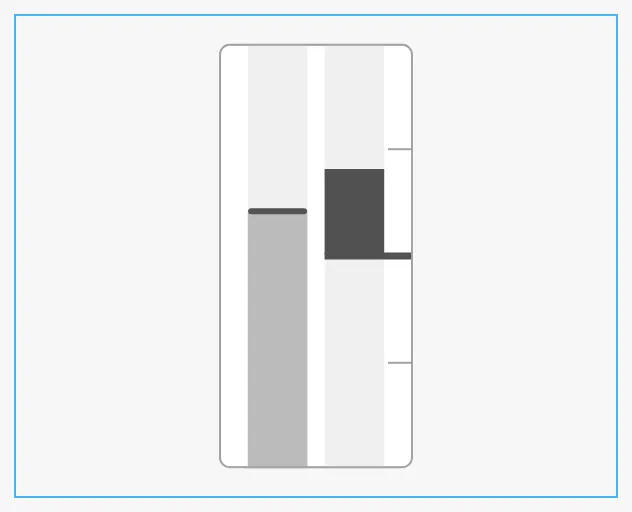 |
Give it a box twice as tall as wide, so it fills the box.
Common Properties
Section titled “Common Properties”These work in the same way on every maritime instrument, and are described in Maritime Instruments — Common Features:
- State —
state. - Priority —
priority. - Style and Events —
style.
Component Events
Section titled “Component Events”The Main Engine has no component events of its own.
Examples
Section titled “Examples”Example 1 — Main Engine with Telegraph Orders
Section titled “Example 1 — Main Engine with Telegraph Orders”- Drop a Main Engine into the view and make it 120 px wide and 240 px tall.
- Bind
speedto[default]Propulsion/ME/SpeedPctandthrustto[default]Propulsion/ME/ThrustPct. - Set
hasSpeedSetpointtotrueand bindspeedSetpointto[default]Propulsion/ME/SpeedOrder. - Set
hasThrustSetpointtotrueand bindthrustSetpointto[default]Propulsion/ME/ThrustOrder. - Bind
stateto an expression that givesoffwhen the engine is stopped, for exampleif({[default]Propulsion/ME/Running}, 'active', 'off').
Found an error or something unclear?
Tell us what is wrong, confusing or missing on this page.
Built on the OpenBridge Design System