Rot Sector
The Rot Sector shows the rate of turn (ROT) of the vessel on an arc with zero at the top: a bar grows from zero to the right for a turn to starboard and to the left for a turn to port. It is found in the Maritime - OpenBridge section of the Perspective Component Palette as Rot Sector.
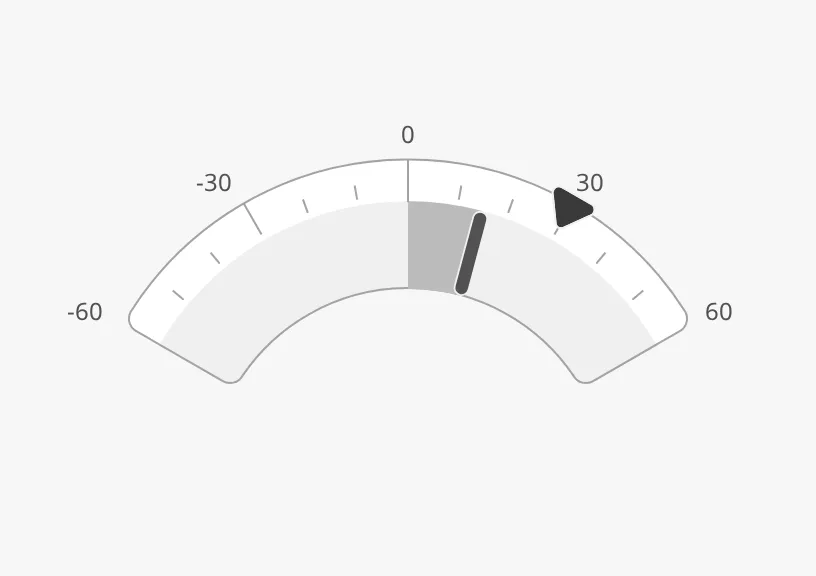
The parts of the instrument:
- Scale — from
-maxValuetomaxValue. See Value and Range. - Bar — from zero to the rate of turn.
- Setpoint — an ordered rate of turn. See Setpoint.
The Rot Sector is one of the maritime instruments. Priority, the setpoint,
advice zones and the scale are described in
Maritime Instruments — Common Features. This page covers what
is specific to the Rot Sector. It has the same arc as the
Compass Sector, and no state.
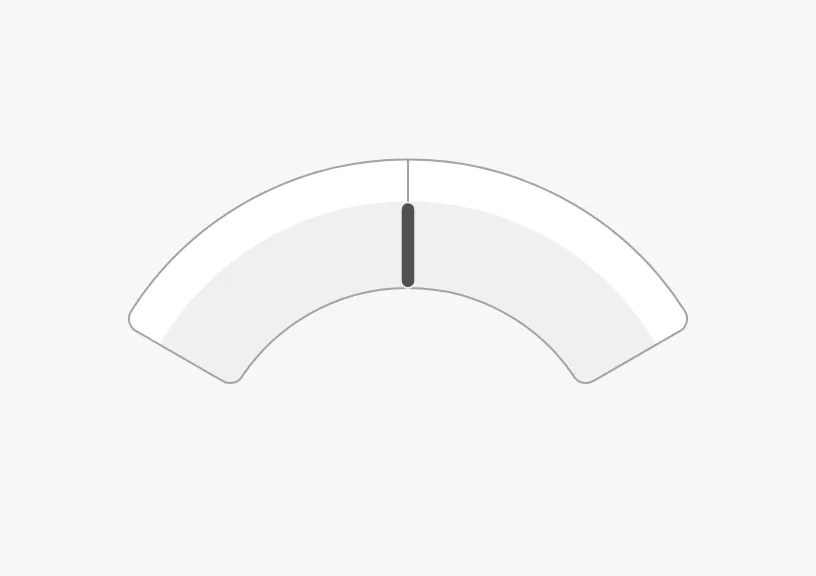
A Rot Sector dropped from the palette spans ±100, has no tickmarks or labels, and shows 0:
Value and Range
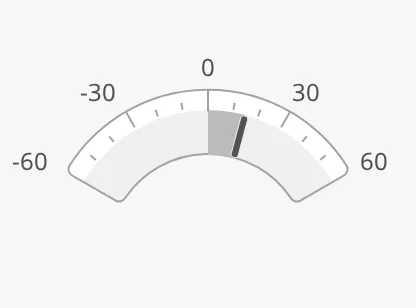
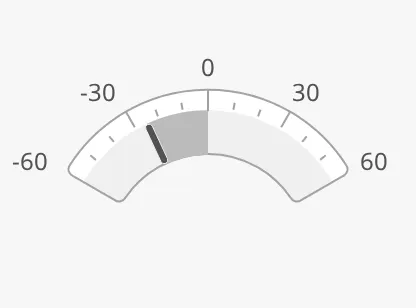
Section titled “Value and Range”Bind value to the rate of turn, in degrees per minute; positive is a turn to
starboard. maxValue is the end of the scale to each side. The Rot Sector has
no has… flag for the value: it always shows value.
15 (starboard) |
-25 (port) |
|---|---|
 |
 |
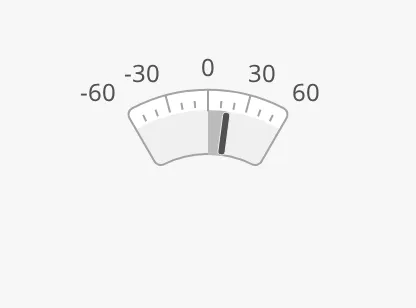
rotArcExtent is how far the scale reaches to each side of the top, in degrees
of the arc:
30 |
60 (default) |
90 |
|---|---|---|
 |
|
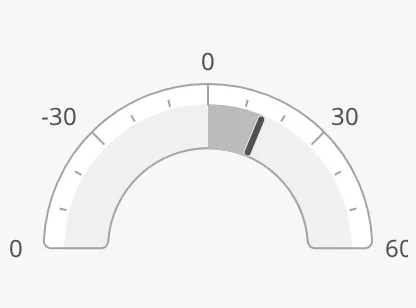 |
With a rotArcExtent of 90, the labels at the ends of the scale are cut
off by the edge of the arc.
Properties
Section titled “Properties”| Name | Description | Property Type |
|---|---|---|
| value | Rate of turn in degrees per minute; positive is starboard. Default 0. |
value |
| maxValue | End of the scale to each side. Default 100. |
value |
| rotArcExtent | Length of the scale to each side of the top, in degrees. Default 60. |
value |
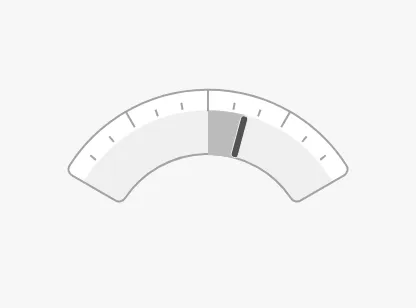
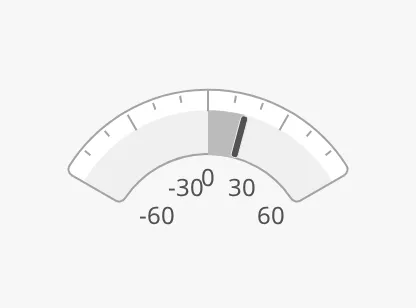
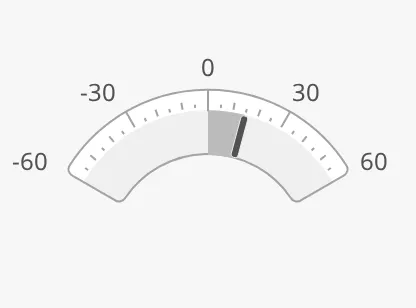
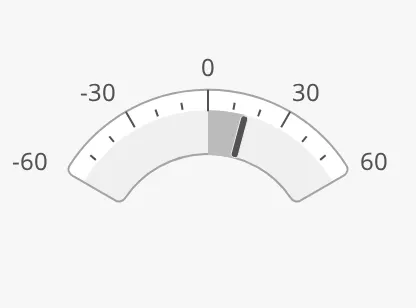
The scale works as described in Scale. It has no tickmarks
until you turn them on: set hasPrimaryTickmarkInterval to true and
primaryTickmarkInterval to the distance between the long, labelled
tickmarks, and likewise for the secondary and tertiary ones. The images on this
page use maxValue 60, primary 30 and secondary 10.
showLabels = false |
tickmarksInside = true |
Tertiary interval 5 |
|---|---|---|
 |
 |
 |
tickmarkStyle = regular (default) |
tickmarkStyle = enhanced |
|---|---|
|
 |
Properties
Section titled “Properties”| Name | Description | Property Type |
|---|---|---|
| showLabels | Show the numbers at the primary tickmarks. Default false. |
value |
| tickmarksInside | Draw the tickmarks and labels inside the arc. Default false. |
value |
| tickmarkStyle | regular or enhanced. Default regular. |
value |
| hasPrimaryTickmarkInterval | Draw primary tickmarks. Default false. |
value |
| primaryTickmarkInterval | Distance between the primary tickmarks. Default 50. Only shown when hasPrimaryTickmarkInterval is true. |
value |
| hasSecondaryTickmarkInterval | Draw secondary tickmarks. Default false. |
value |
| secondaryTickmarkInterval | Distance between the secondary tickmarks. Default 10. Only shown when hasSecondaryTickmarkInterval is true. |
value |
| hasTertiaryTickmarkInterval | Draw tertiary tickmarks. Default false. |
value |
| tertiaryTickmarkInterval | Distance between the tertiary tickmarks. Default 0. Only shown when hasTertiaryTickmarkInterval is true. |
value |
Colour
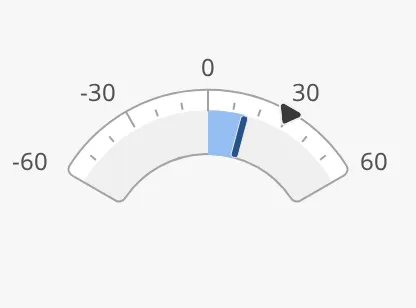
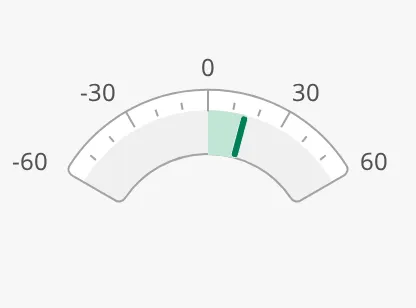
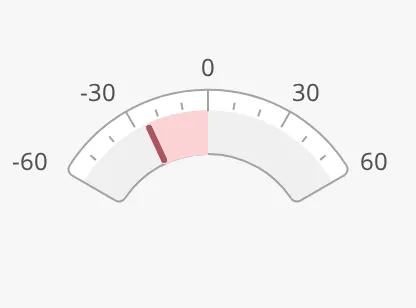
Section titled “Colour”priority works as described in Priority. With
portStarboard set to true, the bar is green for a turn to starboard and red
for a turn to port. Note the name: portStarboard here, rotPortStarboard on
the other rate-of-turn instruments.
priority = enhanced |
portStarboard, starboard |
portStarboard, port |
|---|---|---|
 |
 |
 |
Properties
Section titled “Properties”| Name | Description | Property Type |
|---|---|---|
| portStarboard | Colour the bar by the direction of the turn. Default false. |
value |
Setpoint and Advice Zones
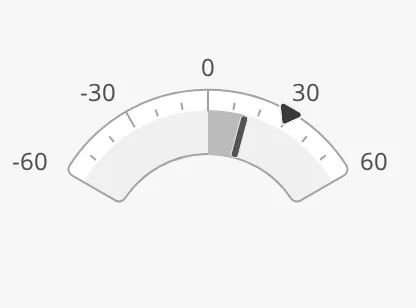
Section titled “Setpoint and Advice Zones”The setpoint works as described in Setpoint, with the
usual hasSetpoint, setpoint, autoAtSetpoint and related properties.
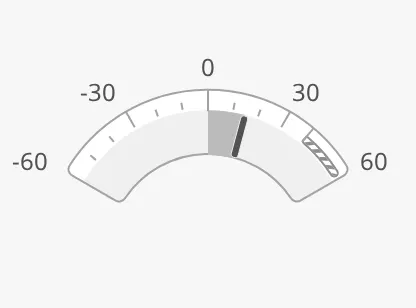
advices is a list of advice zones, with min
and max in degrees per minute. A zone is triggered when the rate of turn or
the setpoint is inside it; adviceTrigger narrows that to the rate of turn
(value) or the setpoint alone.
Views made with earlier versions may use minValue and maxValue instead of
min and max; they still work.
Readout
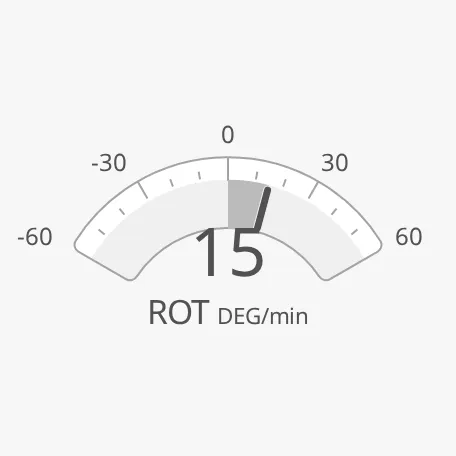
Section titled “Readout”Set hasReadout to true to show the rate of turn as a number under the top
of the arc. label and unit are written under the number:
hasReadout = true |
label and unit cleared |
|---|---|
 |
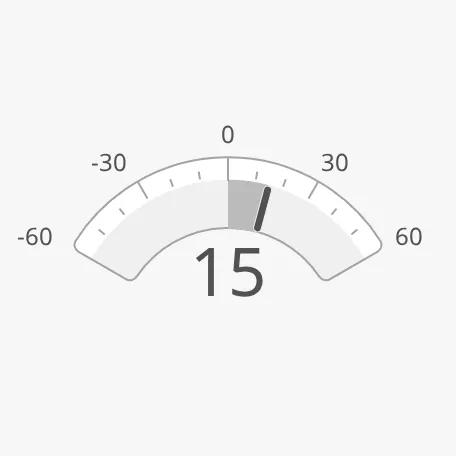 |
A new Rot Sector has label ROT and unit DEG/min; clear them to show the
number only.
Properties
Section titled “Properties”| Name | Description | Property Type |
|---|---|---|
| hasReadout | Show the rate of turn as a number. Default false. |
value |
| label | Text under the number. Default ROT. Only shown when hasReadout is true. |
value |
| unit | Unit after the label. Default DEG/min. Only shown when hasReadout is true. |
value |
| fractionDigits | Number of decimals. Default 0. Only shown when hasReadout is true. |
value |
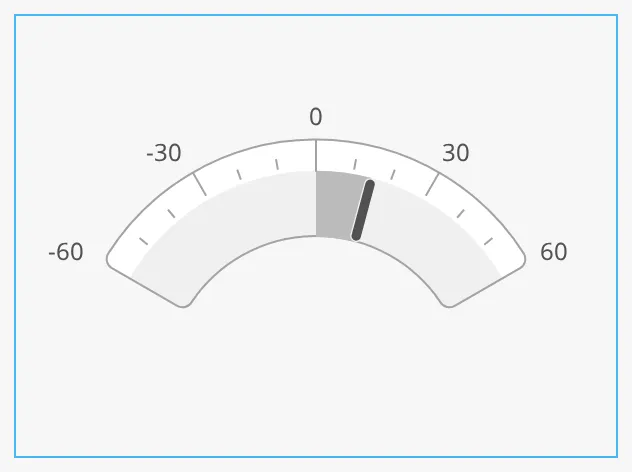
The arc grows with the component’s box and is centred near the top of it. The blue frame is the component’s box:
zoomToFitArc = false |
zoomToFitArc = true |
|---|---|
 |
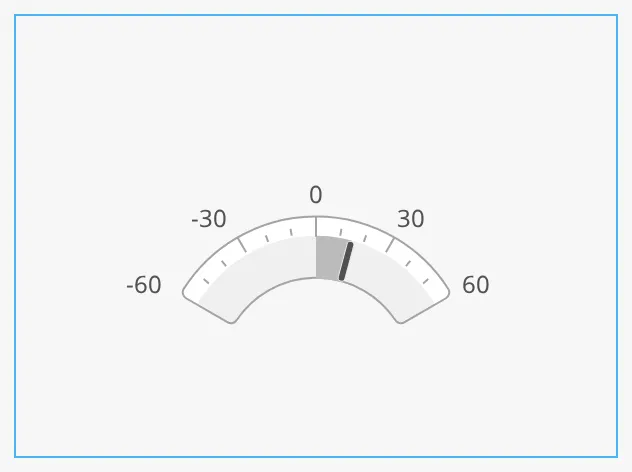 |
Note: On the Rot Sector,
zoomToFitArcmakes the arc smaller in the same box, not larger as on the Compass Sector. Leave it atfalse.
Properties
Section titled “Properties”| Name | Description | Property Type |
|---|---|---|
| zoomToFitArc | Meant to enlarge the arc to fill the box. Default false. |
value |
Common Properties
Section titled “Common Properties”These work in the same way on every maritime instrument, and are described in Maritime Instruments — Common Features:
- Priority —
priority. - Setpoint —
hasSetpoint,setpoint,autoAtSetpoint,autoAtSetpointDeadband,atSetpoint,touching,hasNewSetpoint,newSetpoint,animateSetpoint,setpointAtZeroDeadband,setpointOverride. - Advice Zones —
advices,adviceTrigger,adviceEmphasis. - Style and Events —
style.
Component Events
Section titled “Component Events”The Rot Sector has no component events of its own.
Examples
Section titled “Examples”Example 1 — Rate-of-Turn Gauge with a Turn Order
Section titled “Example 1 — Rate-of-Turn Gauge with a Turn Order”- Drop a Rot Sector into the view and make it 400 × 280.
- Set
maxValueto60,showLabelstotrue,hasPrimaryTickmarkIntervaltotruewithprimaryTickmarkInterval30, andhasSecondaryTickmarkIntervaltotruewithsecondaryTickmarkInterval10. - Bind
valueto[default]Nav/ROT. - Set
hasSetpointtotrueand bindsetpointto[default]Autopilot/RotOrder. - Set
portStarboardtotrue.
Found an error or something unclear?
Tell us what is wrong, confusing or missing on this page.
Built on the OpenBridge Design System