Speed Gauge
The Speed Gauge shows the speed of the vessel with a needle on an arc scale. It is found in the Maritime - OpenBridge section of the Perspective Component Palette as Speed Gauge.
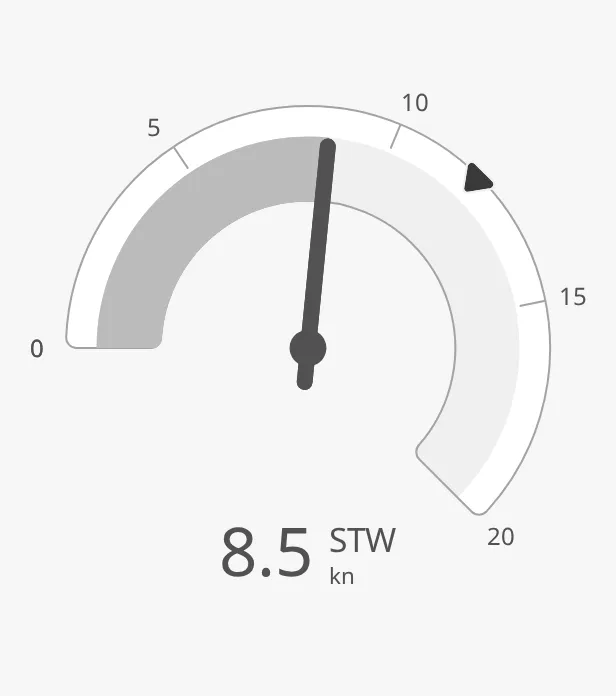
The parts of the instrument:
- Scale — from
minSpeedtomaxSpeed, with zero at the left. See Speed and Range. - Needle — the speed. The area from zero to the needle is filled. See Needle.
- Readout — the speed as a number. See Readout.
- Setpoint — the ordered speed. See Setpoint.
The Speed Gauge is one of the maritime instruments. Priority, the setpoint, advice zones, the scale and sizing are shared by all of them and are described in Maritime Instruments — Common Features. This page covers what is specific to the Speed Gauge. For a small symbol of the speed, see the Speed Indicator.
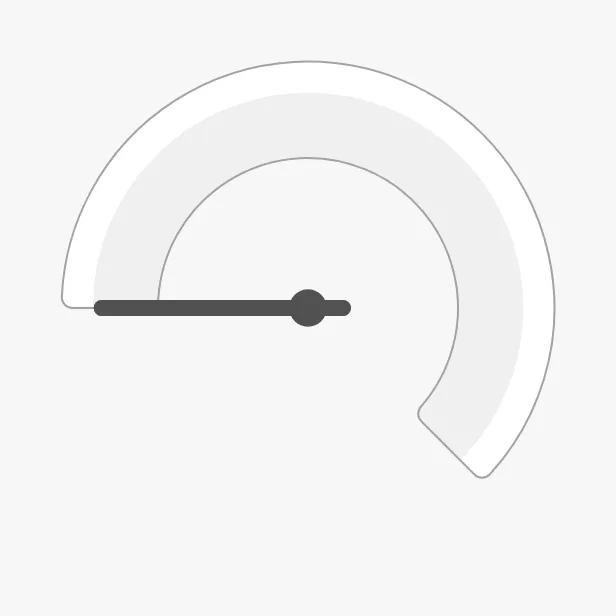
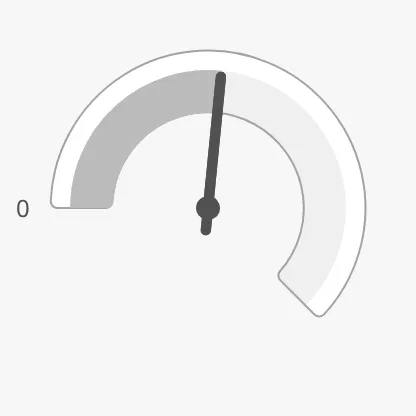
A Speed Gauge dropped from the palette shows 0 on a scale up to 100, without tickmarks or labels:
Speed and Range
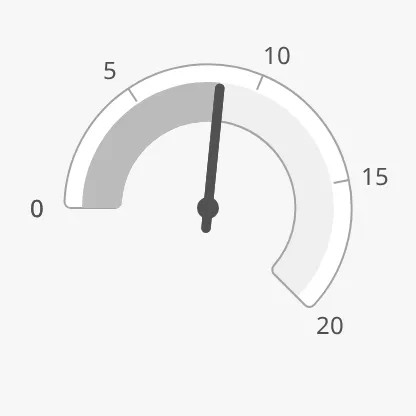
Section titled “Speed and Range”Bind speed to the speed of the vessel, in the unit you choose for the scale
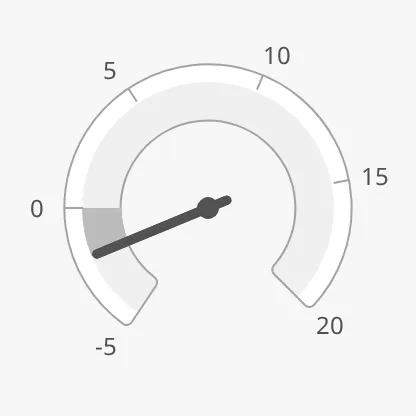
(usually knots). maxSpeed is the end of the scale. Set minSpeed below zero
to show speed astern: the negative part of the scale is added below zero.
| 0 to 20 kn, 8.5 kn | −5 to 20 kn, −2 kn |
|---|---|
 |
 |
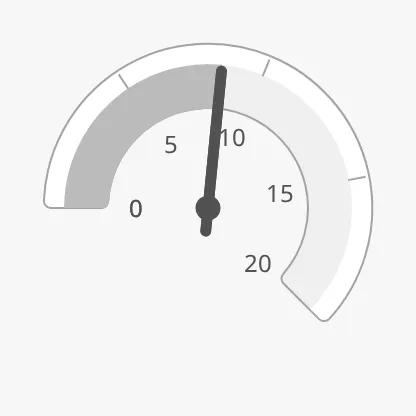
The scale shows only the zero mark until tickmarks are turned on: set
hasTickmarkInterval to true and tickmarkInterval to the distance between
them. The labels need showLabels to be true.
| No interval | tickmarkInterval = 5 |
tickmarksInside = true |
|---|---|---|
 |
|
 |
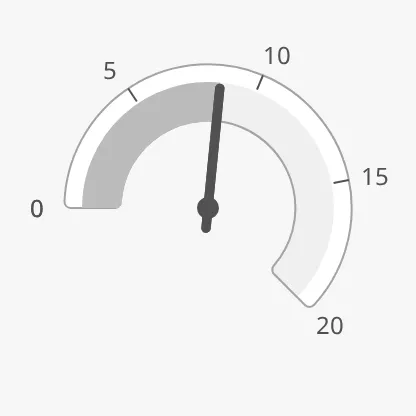
tickmarkStyle enhanced draws darker tickmarks:
regular (default) |
enhanced |
|---|---|
|
 |
See also Scale.
Properties
Section titled “Properties”| Name | Description | Property Type |
|---|---|---|
| speed | The speed. Default 0. |
value |
| minSpeed | Lowest speed of the scale; below zero for speed astern. Default 0. |
value |
| maxSpeed | Highest speed of the scale. Default 100. |
value |
| hasTickmarkInterval | Show tickmarks. Default false. |
value |
| tickmarkInterval | Distance between tickmarks. Only shown when hasTickmarkInterval is true. Default 20. |
value |
Needle
Section titled “Needle”needleType = full (default) |
needleType = bar |
|---|---|
|
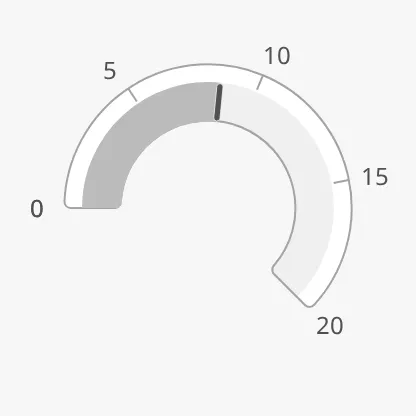 |
full— a pointer from the centre, with a pivot.bar— a short mark on the ring only, which leaves the centre free.
Properties
Section titled “Properties”| Name | Description | Property Type |
|---|---|---|
| needleType | full or bar. Default full. |
value |
Readout
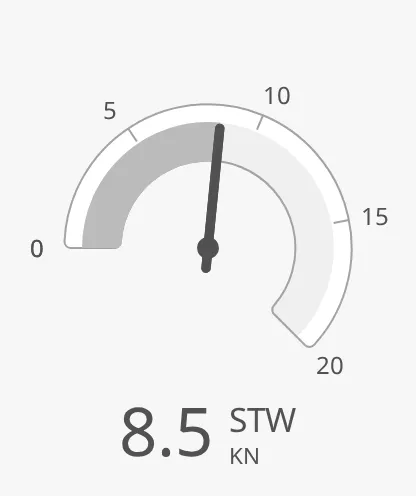
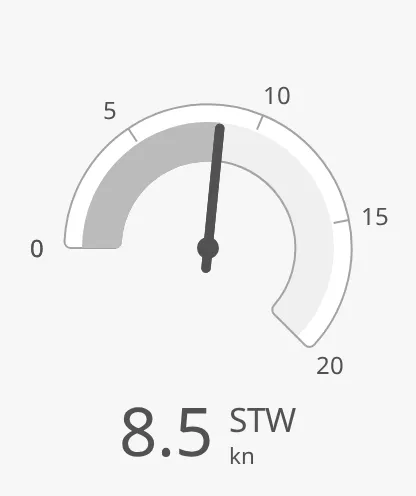
Section titled “Readout”Set hasReadout to true to show the speed as a number below the needle.
label and unit are shown next to it, and fractionDigits is the number of
decimals (default 1). A new component has label STW and unit KN;
change them, or clear them to show the number only:
Default label and unit |
unit = kn |
|---|---|
 |
 |
The readout is drawn at the bottom of the gauge and needs room: make the box about 20 % taller than wide, or the readout reaches the edge of the box.
Properties
Section titled “Properties”| Name | Description | Property Type |
|---|---|---|
| hasReadout | Show the speed as a number. Default false. |
value |
| label | Text next to the number, such as STW. Default STW. |
value |
| unit | Unit below the label, such as kn. Default KN. |
value |
| fractionDigits | Number of decimals. Default 1. |
value |
Setpoint and Advice Zones
Section titled “Setpoint and Advice Zones”The setpoint works as described in Setpoint:
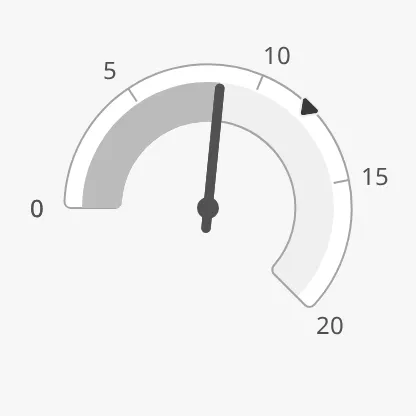
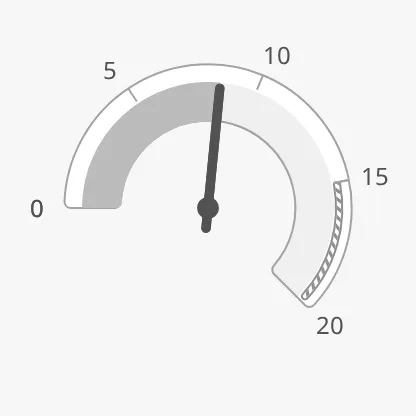
advices is a list of advice zones, with the ends
of a zone in the unit of the scale:
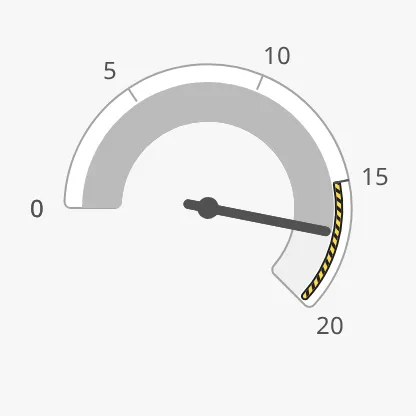
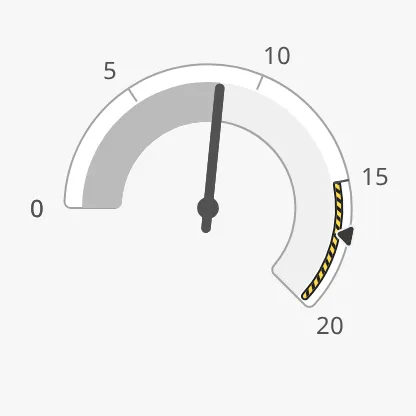
[{"category": "caution", "min": 15, "max": 20}]A zone you add in the Property Editor starts with category, min, max and
state filled in. A zone is triggered when the speed or the setpoint is inside it. Earlier
versions triggered it by the speed only; set adviceTrigger to value to keep
that:
| Zone from 15 to 20 kn | Speed (17 kn) inside the zone | Setpoint (17 kn) inside the zone |
|---|---|---|
 |
 |
 |
Views made with earlier versions use speedAdvices for the list, and
minSpeed and maxSpeed for the ends of a zone. They still work, but use
advices.
Properties
Section titled “Properties”| Name | Description | Property Type |
|---|---|---|
| advices | Advice zones, each with category, min and max (or value) and optionally state. Empty by default. |
array |
| adviceTrigger | Which reading triggers a zone: both (the speed or the setpoint), value (the speed) or setpoint. Default both. |
value |
| adviceEmphasis | Apply the design’s emphasis rules; see Advice Zones. Default false. |
value |
| speedAdvices | Deprecated, use advices. Applies only when the list is not empty, and then replaces advices. |
array |
Priority
Section titled “Priority”regular (default) |
enhanced |
|---|---|
|
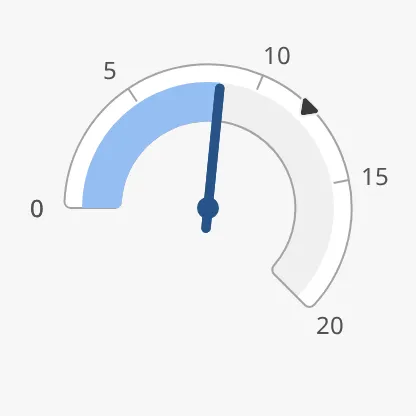 |
See Priority. The Speed Gauge has no state property.
Common Properties
Section titled “Common Properties”These work in the same way on every maritime instrument, and are described in Maritime Instruments — Common Features:
- Priority —
priority. - Setpoint —
hasSetpoint,setpoint,autoAtSetpoint,autoAtSetpointDeadband,atSetpoint,touching,hasNewSetpoint,newSetpoint,animateSetpoint,setpointAtZeroDeadband,setpointOverride. - Advice Zones —
advices,adviceTrigger,adviceEmphasis(see above). - Scale —
showLabels,tickmarksInside,tickmarkStyle. - Size —
hasFaceDiameter,faceDiameter. - Style and Events —
style.
Component Events
Section titled “Component Events”The Speed Gauge has no component events of its own.
Examples
Section titled “Examples”Example 1 — Speed Through Water with an Order
Section titled “Example 1 — Speed Through Water with an Order”- Drop a Speed Gauge into the view and make it 300 × 340 px.
- Set
maxSpeedto20,showLabelstotrue,hasTickmarkIntervaltotrueandtickmarkIntervalto5. - Bind
speedto[default]Nav/SpeedThroughWater. - Set
hasReadouttotrue,labeltoSTWandunittokn. - Set
hasSetpointtotrueand bindsetpointto[default]Propulsion/SpeedOrder.
Found an error or something unclear?
Tell us what is wrong, confusing or missing on this page.
Built on the OpenBridge Design System